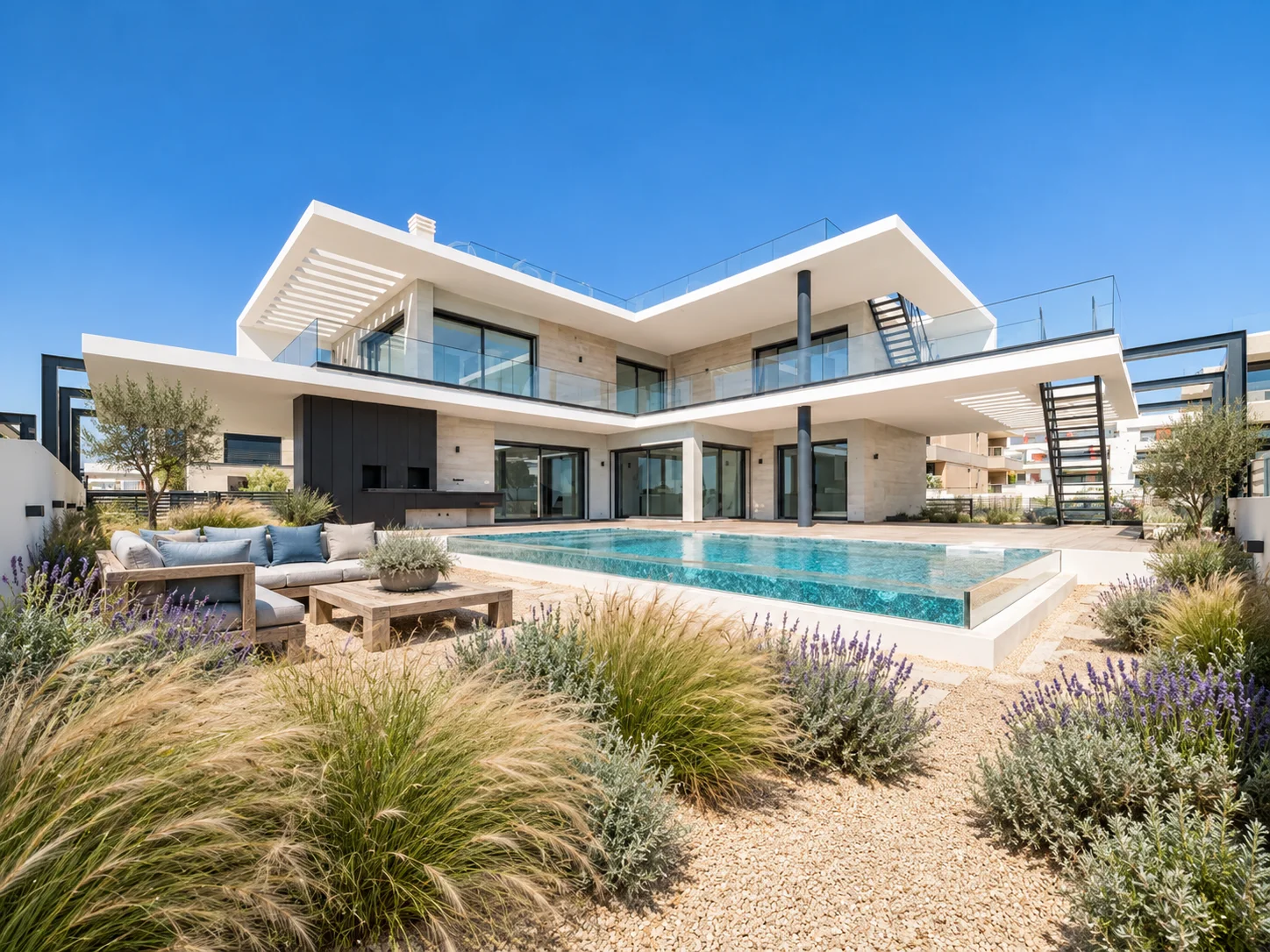
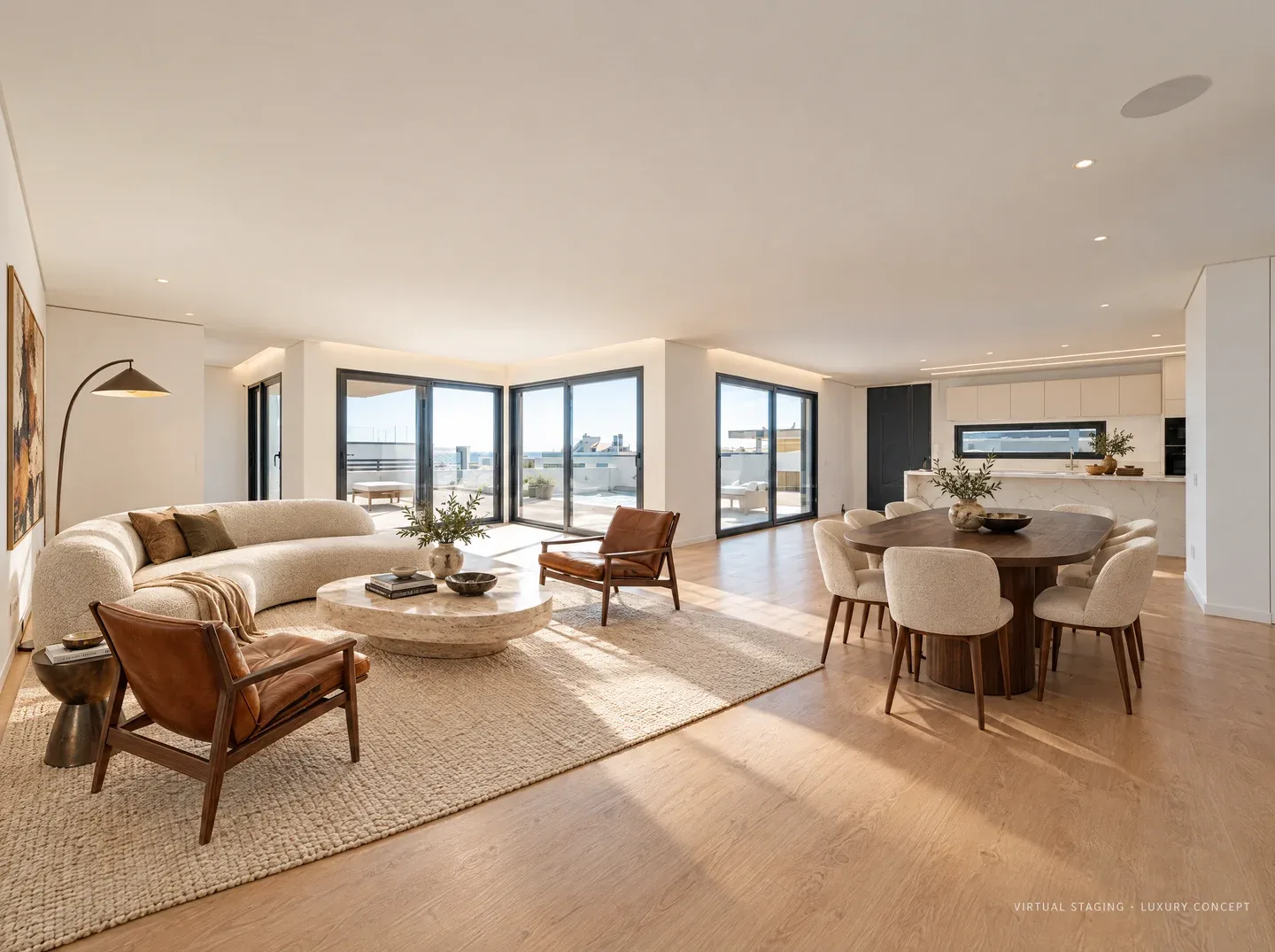
 Virtual staging
Ericeira interiors
An empty living and dining room, furnished.
Explore ↗
Turn room photos into AI design concepts and videos for property listings, developments and client presentations.
Try it free 1 free watermarked image. No card needed.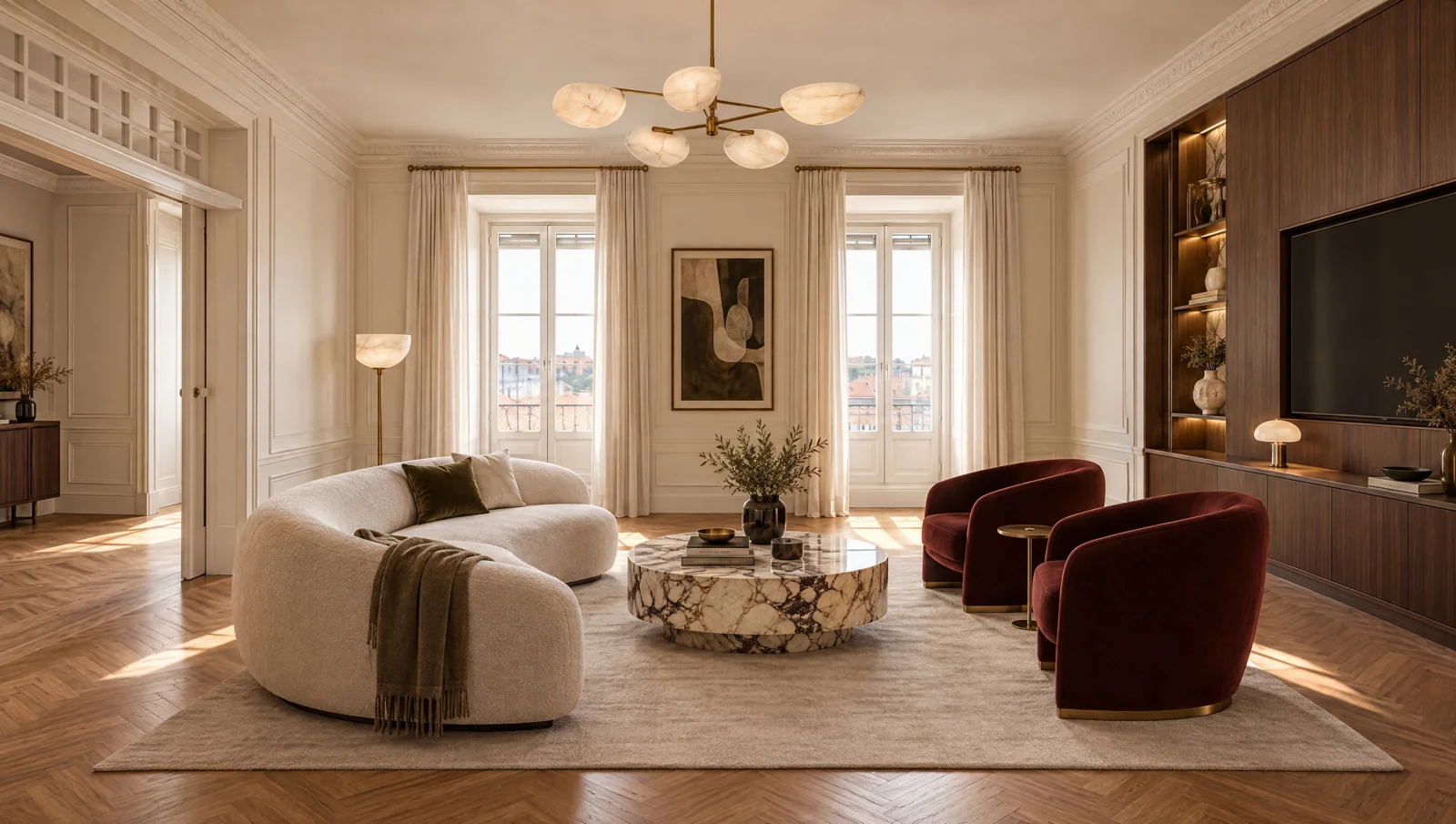 After · Room & Story concept
Furnish an empty space for your next listing.
PROPERTY DEVELOPERSShow buyers how the interiors could look.
BUILDERS & RENOVATORSCompare finishes before work begins.
DESIGNERS & PROPERTY TEAMSTurn your client’s ideas into room concepts.
Choose a room. Drag to compare.
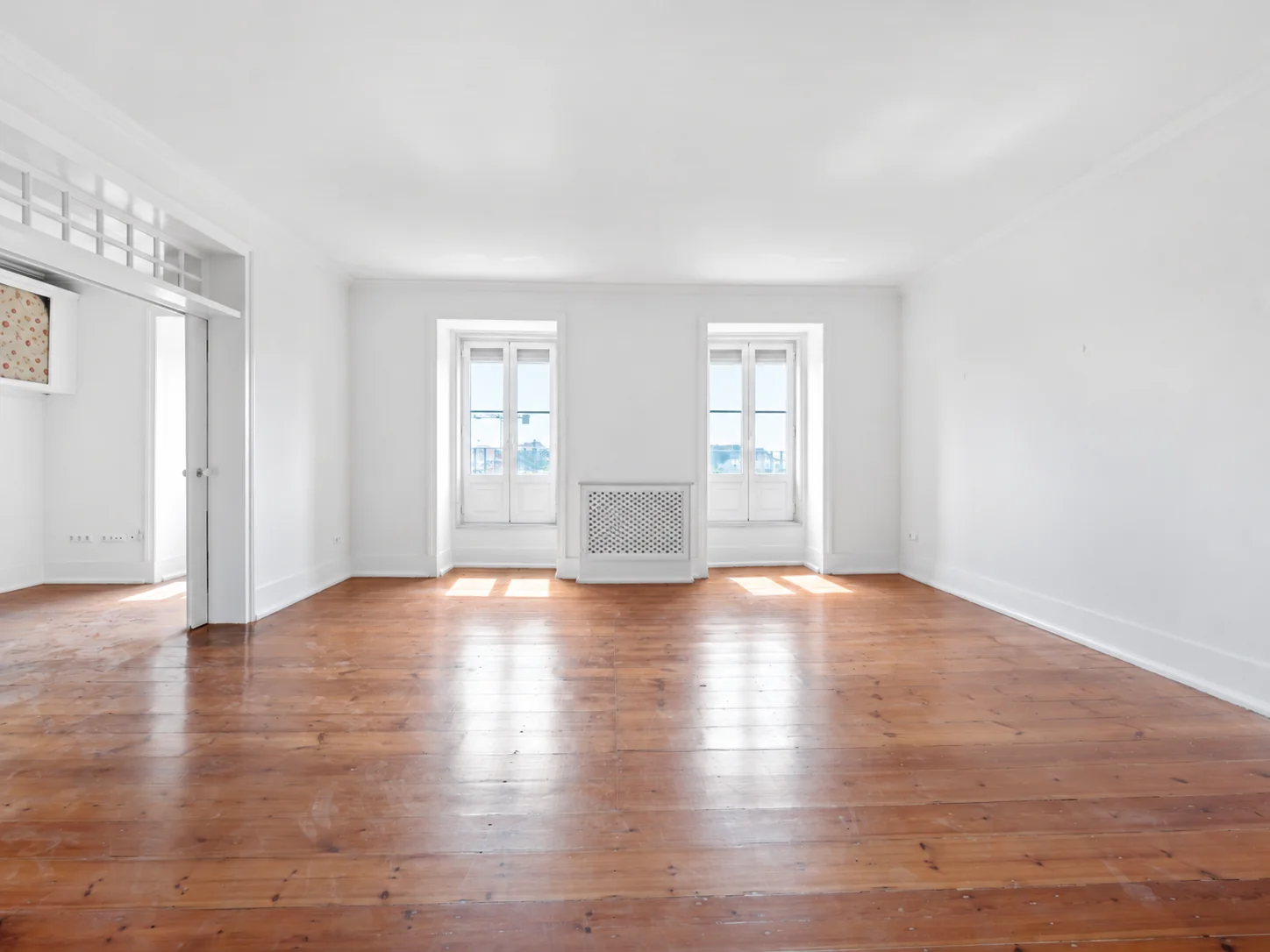
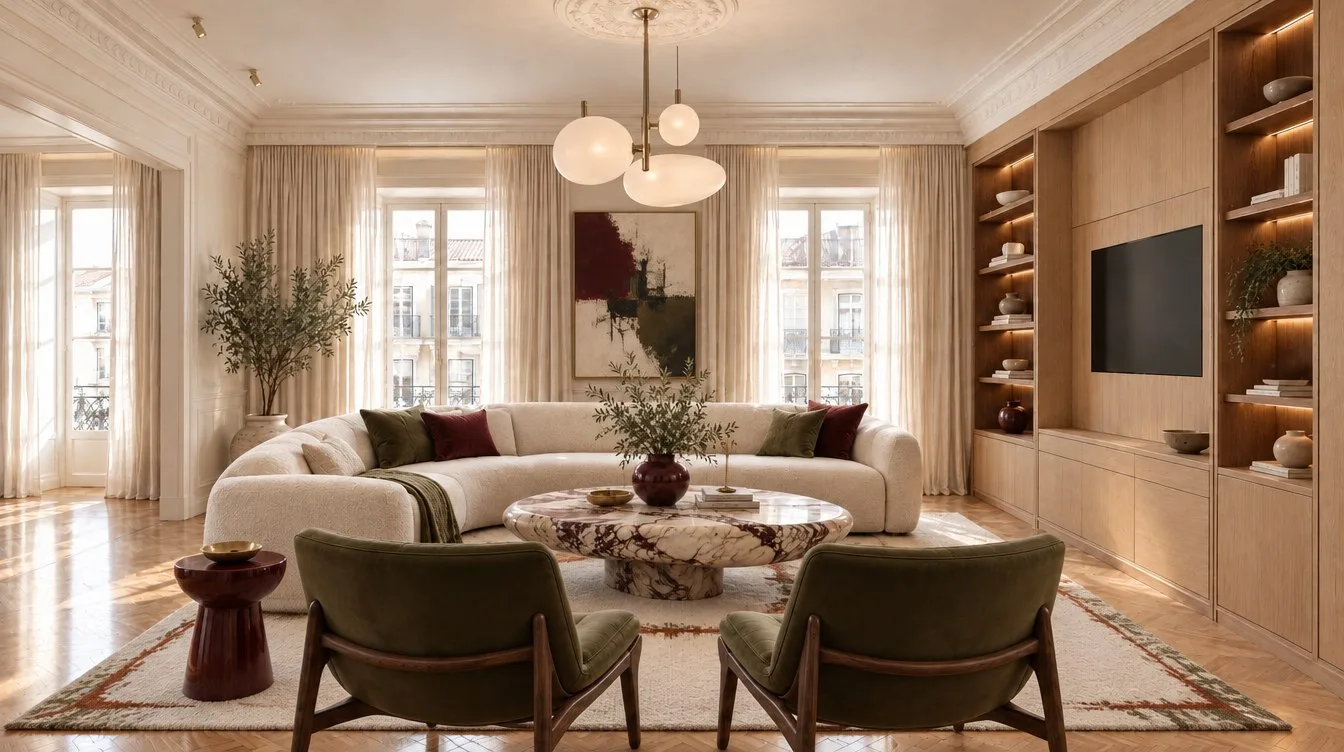
Watch the film · 84 sec ↗Before · Source photoAfter · Room & Story conceptLiving room. Ivory seating, rich burgundy and marble.
Higgsfield concept study, not a completed renovation or exact view match. Source photos retouched to remove watermarks.
Ericeira, from original photos to moving concepts.
Every room has potential. Room and Story helps you see it, before you move a single piece of furniture.
Start with a photo of your space. Use AI to explore a new style, furnish an empty room, or create virtually staged images for a property listing.
Here, the original photographs come first. Then see the Room and Story concepts: warmer textures, considered furniture, and new ways to use each space. Compare the details, choose what works, and refine your design.
From the living room to the kitchen, from a bedroom to the terrace, each image tells a different part of the home's story. These are design possibilities, not completed renovations. Always compare the concept with your original photo.
Once you're happy with the images, take the next step. Bring your chosen designs into motion, and combine room clips into a property film. Supply a clear image for every space you want to include.
Photos first. Then video. One purchased credit balance for both. Sell, rent, or redesign with Room and Story. Start with your space.
For your next listing, a client presentation or your own home.
Use your own room photo and tell us what to keep.
Choose a style, add inspiration and refine the details.
Save your designs and share photos, videos or before/after comparisons.
Your first watermarked image is free.
Paid photos from €0.33 or $0.33 each.
Yes. Add a photo or saved design for each room, choose the order and combine the clips. Each 5-second clip uses 4 credits. The video shows the rooms you provide.
No. Purchased and invitation trial credits cover both: 1 per photo or revision, and 4 per 5-second video clip. You see the total before creating. Free, referral and legacy photo credits stay photo-only.
Both approaches keep the room’s structure. Virtual staging changes furniture and decor; Redesign can also change colours and finishes. We check the result, but you should still compare it with the original.
Usually a few minutes. Busy periods can take longer. Follow progress in the Studio; failed renders return your credit.
Yes. Tell us what to keep and your budget. Use Shop the look to find similar furniture, then check prices and dimensions.
Yes. Download photos or before/after layouts, choose a size and add your logo. Downloads are free.
Your first image is free with an account. It includes a watermark; paid images do not. No payment details needed.
 Property professionals
Compare design options, record what works and prepare clear images for your project team.
 Property professionals
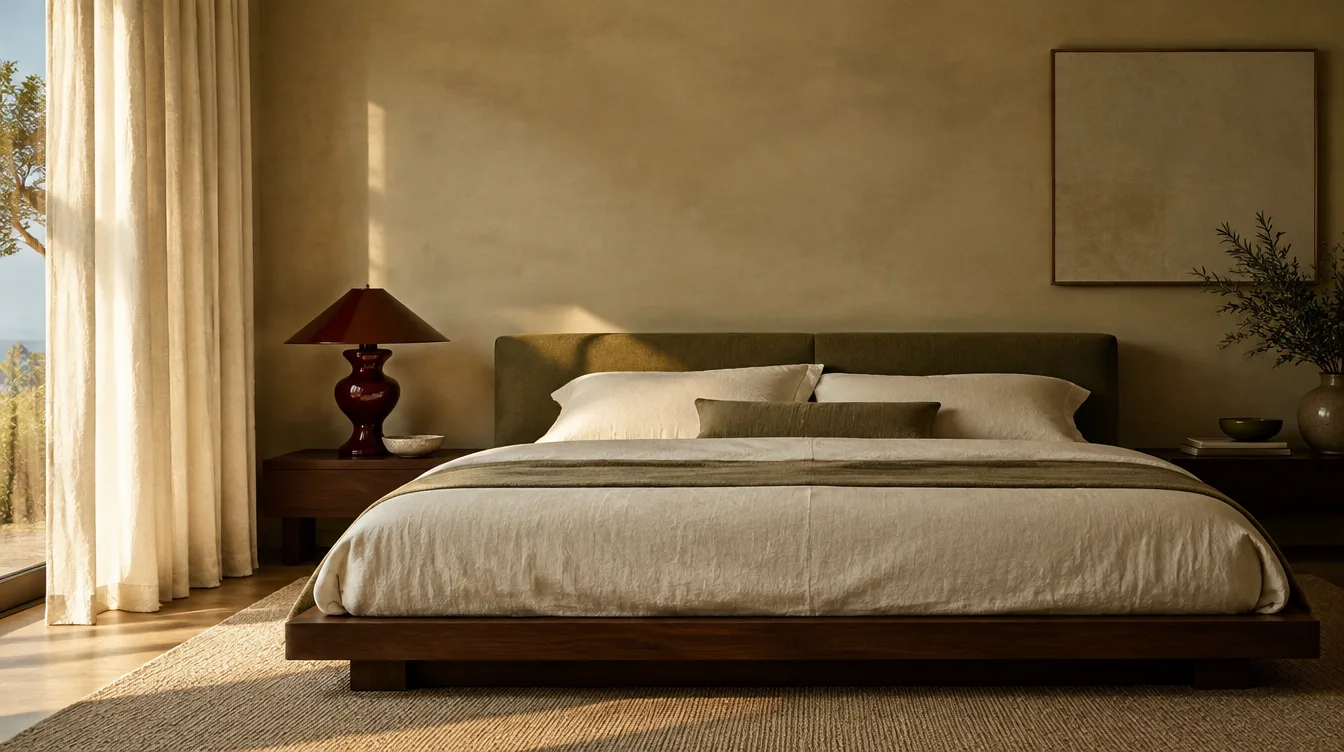
Stage an empty rental, explain what furniture is included and prepare images for the listing.
Property marketingChoose a photo, describe the furniture, check the result and label your listing images.