
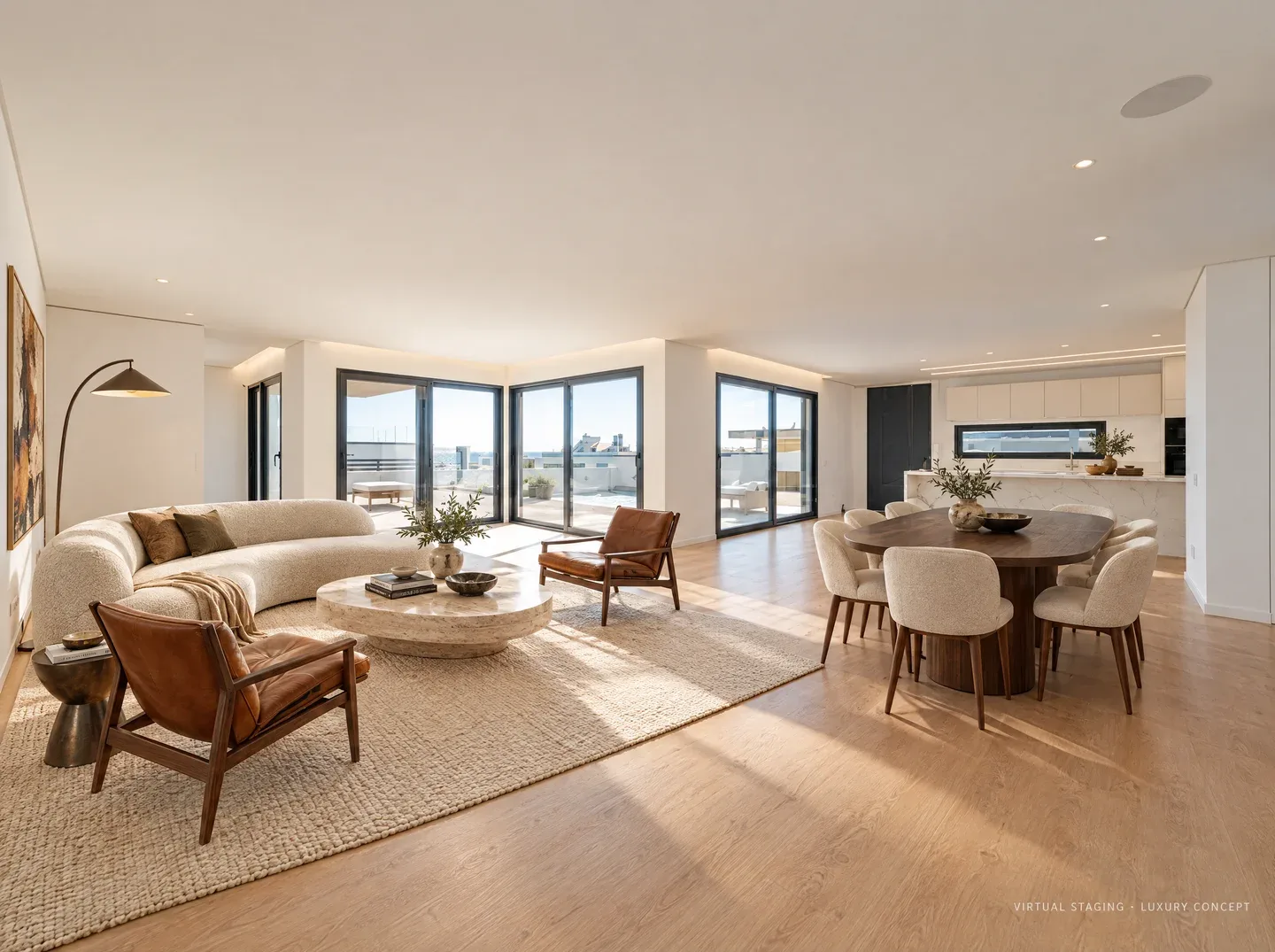
 01
01 SELL. RENT. REDESIGN.
Show what your home could be.
Stage a listing, refresh a rental or try a new look for your own home.
Choose your starting pointWhat’s your project?
Explore uses ↗AGENTS & LANDLORDS
Stage a property
Furnish an empty space for your next listing.
PROPERTY DEVELOPERSPresent a development
Show buyers how the interiors could look.
BUILDERS & RENOVATORSShow a proposed finish
Compare finishes before work begins.
DESIGNERS & PROPERTY TEAMSDesign for a client
Turn your client’s ideas into room concepts.
Ideas for your project.
01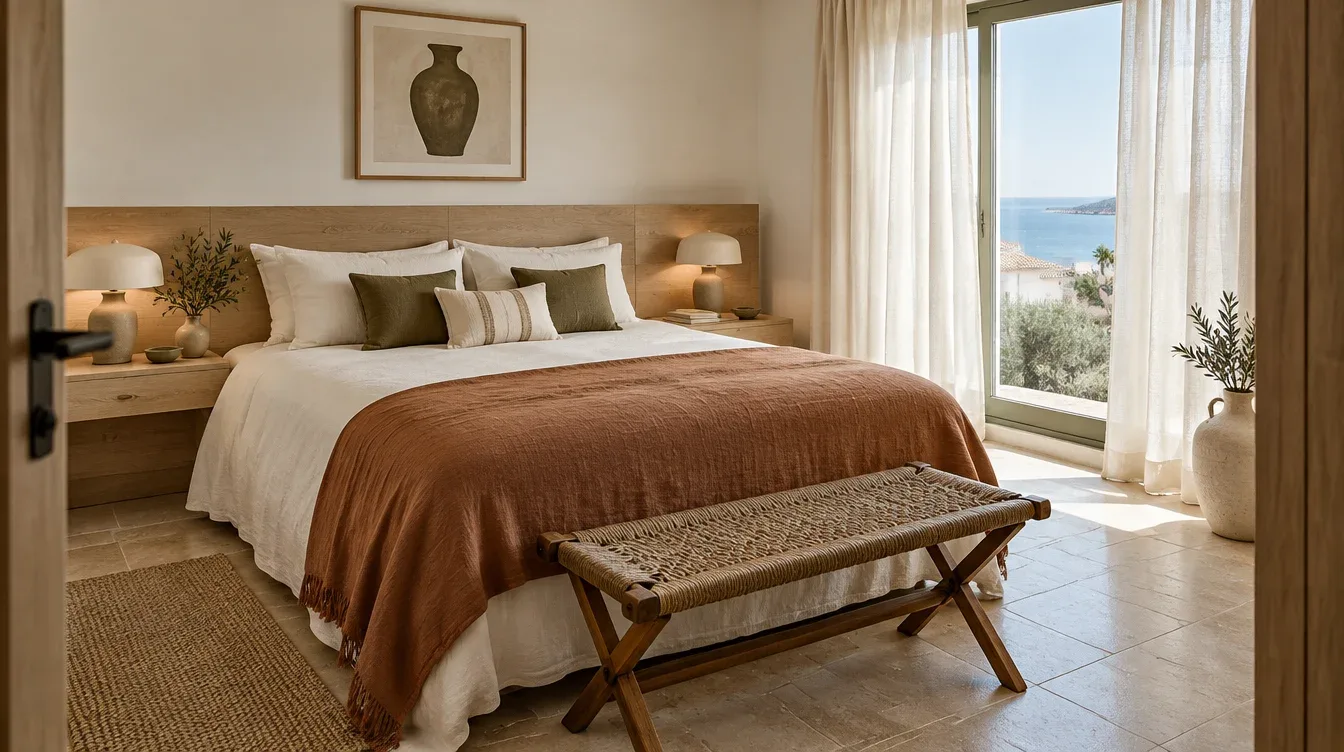 02
02FOR LANDLORDS & RENTAL OWNERS
Help tenants picture home.
Furnish a vacant rental or plan a fresh look.
03FOR AIRBNB & HOLIDAY RENTAL HOSTS
Create a more inviting stay.
Plan a room refresh, then photograph the finished space for your listing.
 04
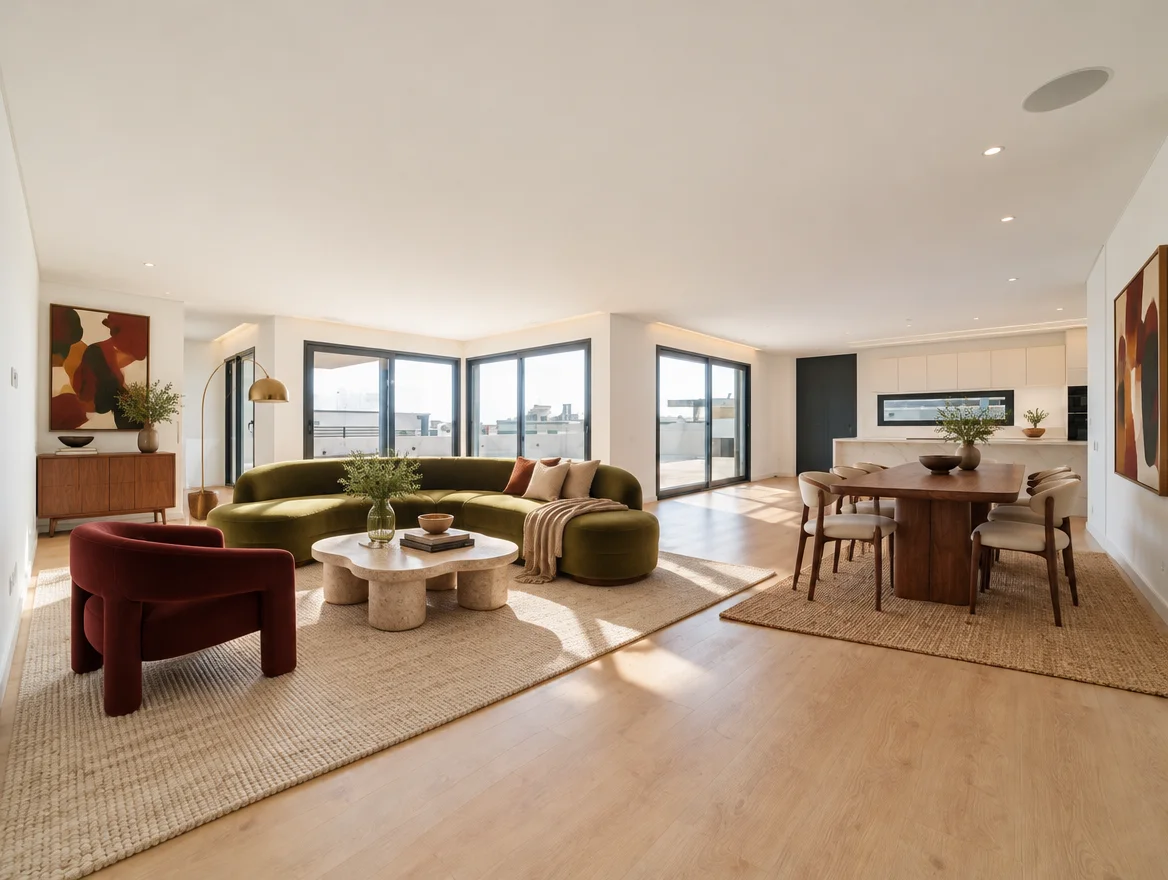
04FOR HOMEOWNERS
See your home in a new light.
Explore furniture, color and materials in your own room before choosing a direction.
 05
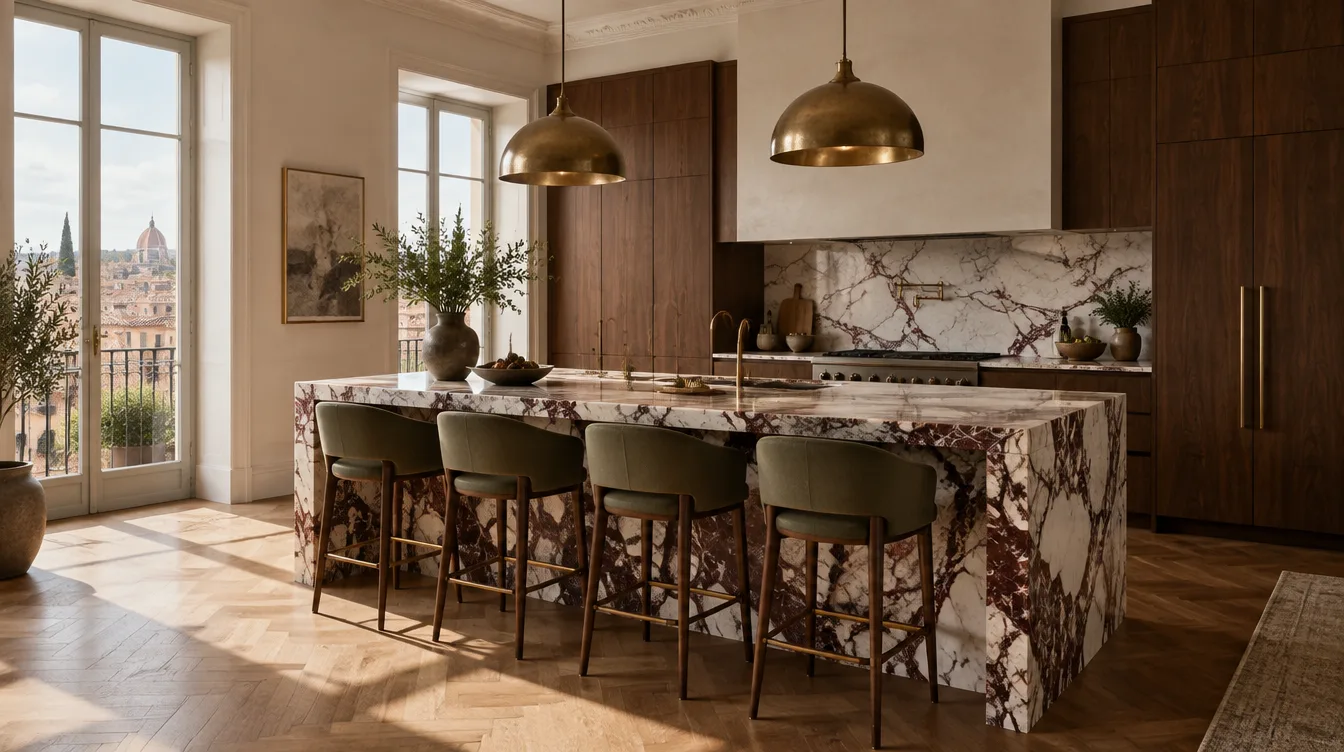
05FOR RENOVATORS
Plan your next renovation.
Compare palettes and finishes before you brief a designer or request quotations.
 06
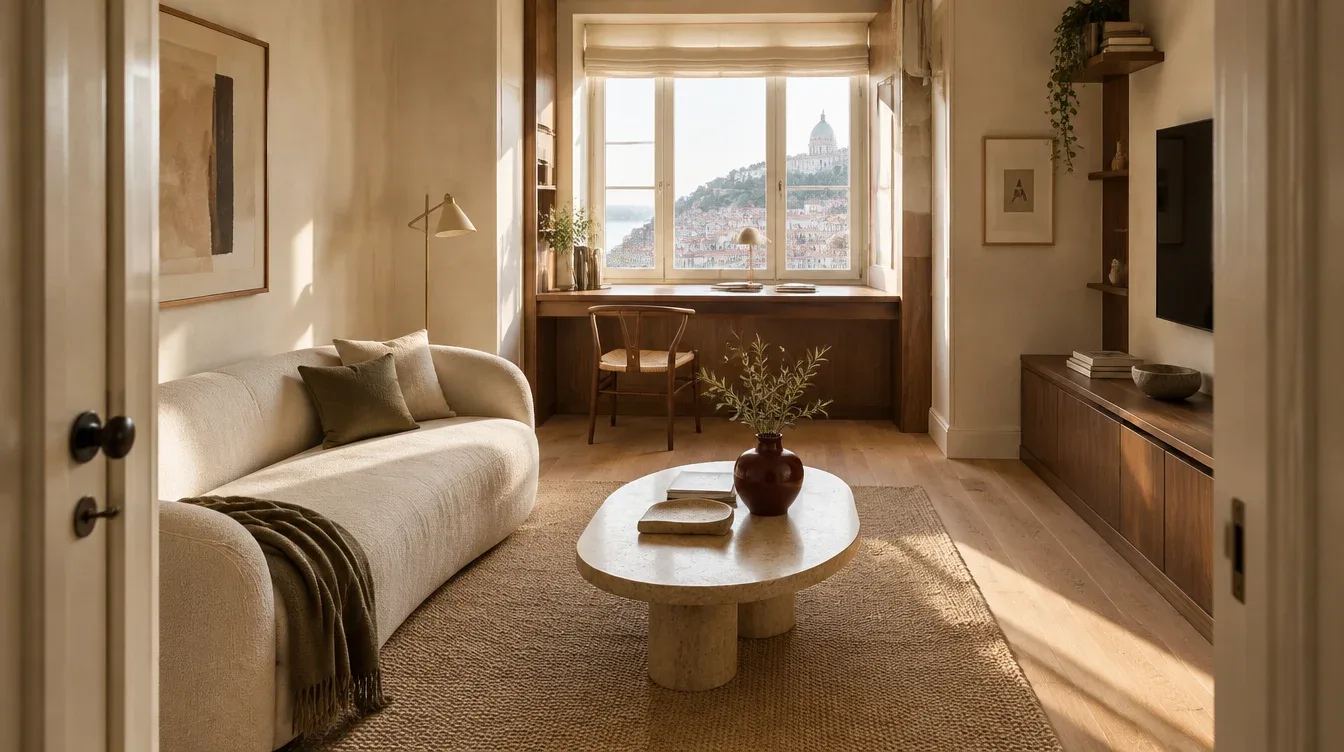
06FOR SMALL SPACES
Make more of the room you have.
Explore furniture arrangements and a calmer visual balance in a compact room.
 07
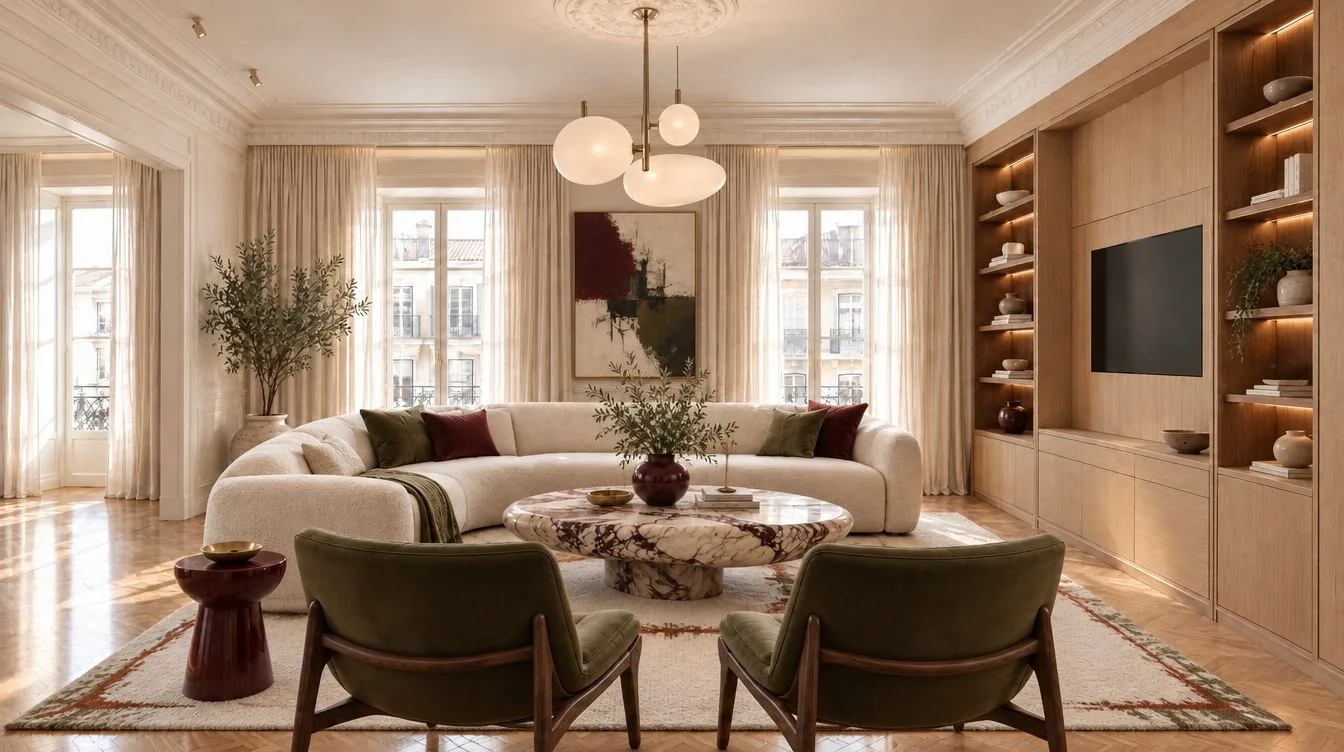
07FOR DESIGNERS & PROPERTY TEAMS
Bring your client’s ideas to life.
Compare room concepts and choose a direction together.
Answers for your project.
Estate agents: accurate images, ready for a listing
Will it preserve the property?
Choose Virtual staging and specify the fixed features to keep. Compare windows, doors, floors and proportions with the original before using a result. Exact preservation is not guaranteed; refine or reject a concept that changes the property.
Can I prepare several rooms quickly?
Save photos under one property and generate each room separately. Reuse a palette and references, then review the set for consistency. Plan for a few minutes per image, with longer waits possible during busy periods; automatic batch staging is not available.
Can I export for a listing or my agency?
Use Download & customize for JPG, PNG or WebP, custom dimensions, before/after layouts, agency name, logo and disclosure. Check your portal’s file rules. Paid renders have no Room & Story watermark; exporting uses no render credits.
Landlords: practical rooms, clear expectations
Does it work for a modest rental?
Yes. Describe practical storage, simple furnishings and what stays. Try the everyday bedroom example rather than a luxury style. Dimensions and furniture fit still need checking.
What if the property is let unfurnished?
Show the original alongside a clearly labeled virtually staged concept and state which furniture is included. Use redesign to plan actual improvements; it does not establish an achievable rent or guarantee a shorter vacancy.
Holiday hosts: achievable upgrades, honest photos
Can I work within a budget and avoid a full renovation?
Put your budget, retained furniture and a short upgrade list in the brief. Ask for washable fabrics, durable finishes and practical luggage storage. These are visual directions, not verified product specifications or a cost estimate.
How do I turn a concept into a guest-ready room?
Use Shop the look to find similar items, then confirm prices, dimensions, care requirements, delivery and availability. Make the changes and photograph the actual finished space for your booking listing.
Designers: references, revisions and client feedback
Can I keep a consistent direction across rooms?
Reuse the palette, materials, reference images and written instructions for each room. References guide the look; exact furniture matching and cross-room consistency are not guaranteed. Compare and refine the set before presenting it.
How do I present options to a client?
Save alternatives by property, share selected designs with the studio’s sharing tools or export branded images and before/after comparisons. Shared team seats and pooled allowances are not yet available.
What happens when the client wants changes?
Open a saved result and choose Refine this design. Describe the specific corrections and what should stay. Each completed revision uses one render. Concepts support early decisions; measured plans and specifications remain part of your design process.
Homeowners: keep what you love, buy with confidence
Can I keep my sofa, flooring or family furniture?
List them once in Design notes under Final details. Upload another room angle or reference where helpful. Check the result carefully because a generated concept can still alter an existing piece.
Will the furniture fit, and can I actually buy it?
The image does not measure your room or guarantee that a shown product exists. Shop the look suggests similar items; measure your space and check the retailer’s size, price and delivery details before buying.
Do I need a subscription or design experience?
No. Start with one free watermarked render and a guided brief. One-time packs are available. Refine with plain-language feedback; you do not need to write a technical prompt.
Photos and projects are private by default. Optional service-improvement and research permissions are separate. Review your data choices ↗