
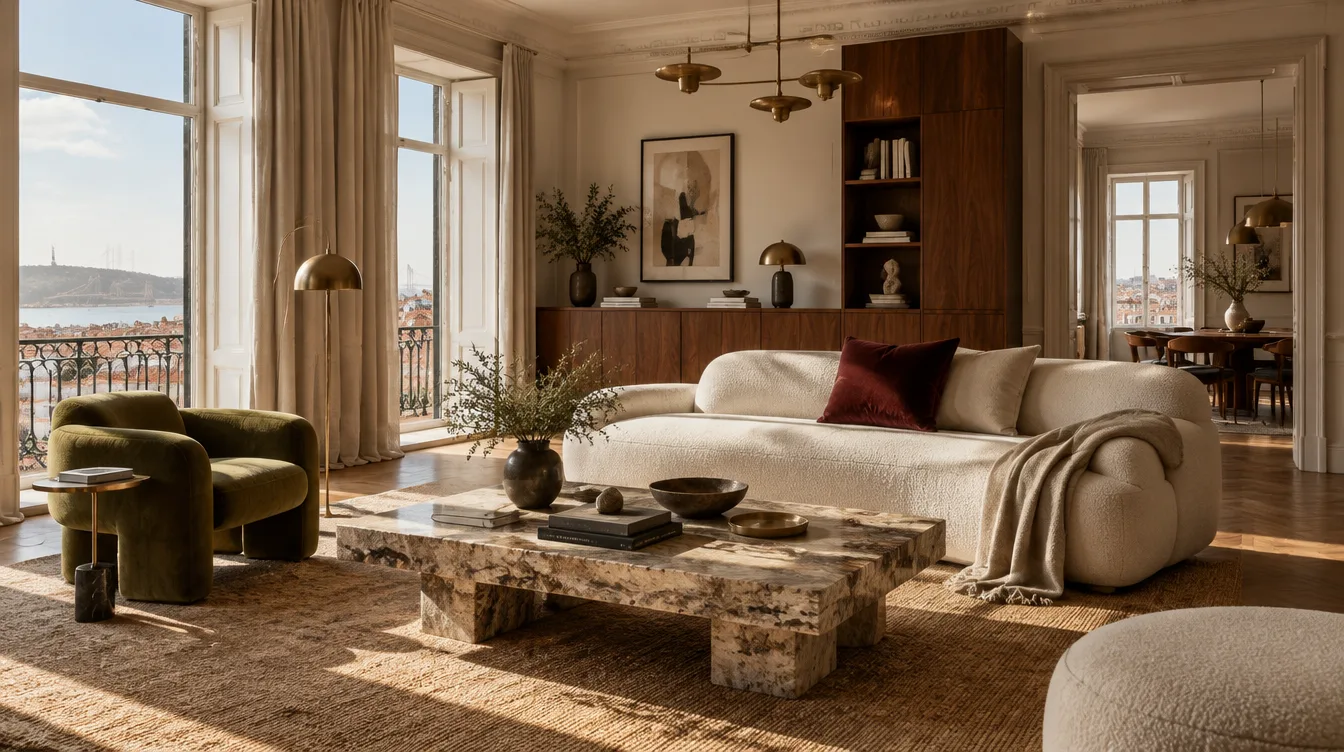
Start with your room.
Living room design+
Try sofas, chairs and rugs while keeping the room’s structure. Tell us which pieces to keep, then measure before buying.
See the possibilities ↗Bedroom redesign+
Try new colours, textures and bedside lighting. Include storage needs and any furniture you want to keep.
See the possibilities ↗Kitchen renovation ideas+
Compare cabinet colours, worktops and finishes. Ask a professional to check plumbing, appliance clearances and the final layout.
See the possibilities ↗Bathroom redesign+
Try bathroom colours and finishes. Your project team must check dimensions, ventilation, waterproofing and electrical safety.
See the possibilities ↗Small rooms & home offices+
Ask for a compact desk area, quieter storage or clearer separation between activities. AI furniture placement is a visual suggestion, so check real measurements, door swings and circulation.
See the possibilities ↗Rentals & holiday homes+
Explore a consistent look for a rental bedroom or living room before buying furniture. Use concepts to plan the refresh, then photograph the actual finished property for guest listings.
See the possibilities ↗Find your style.
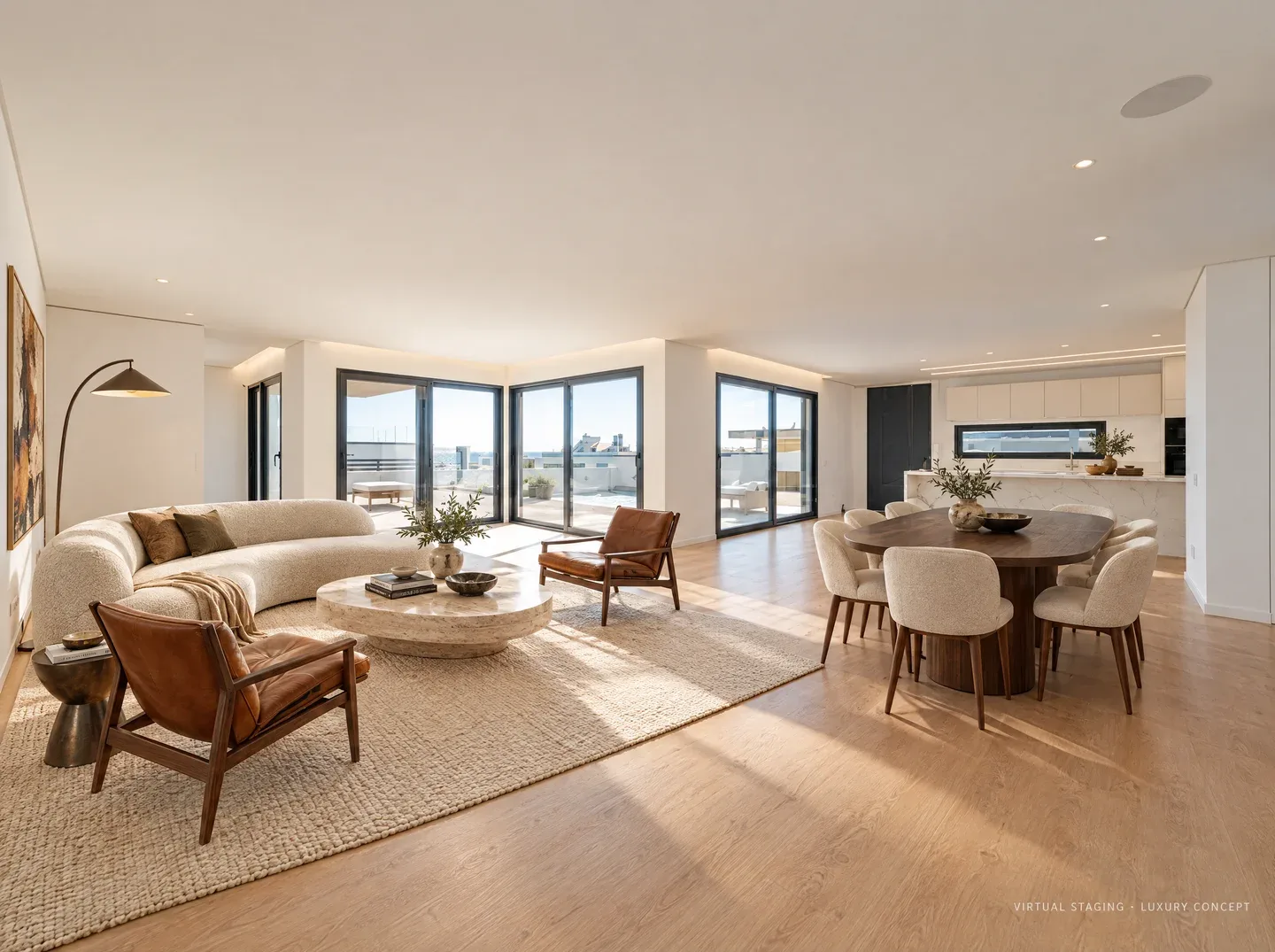
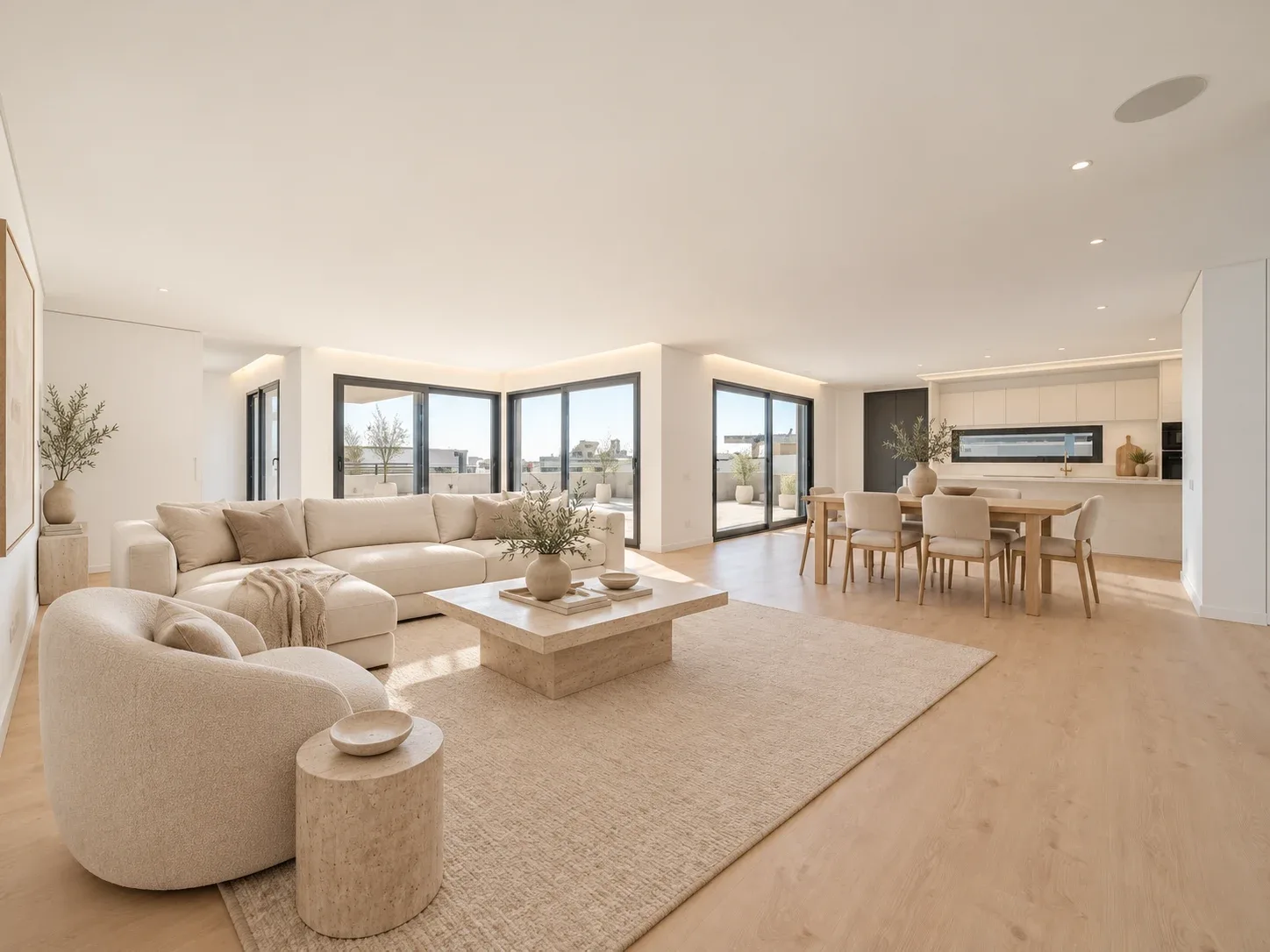
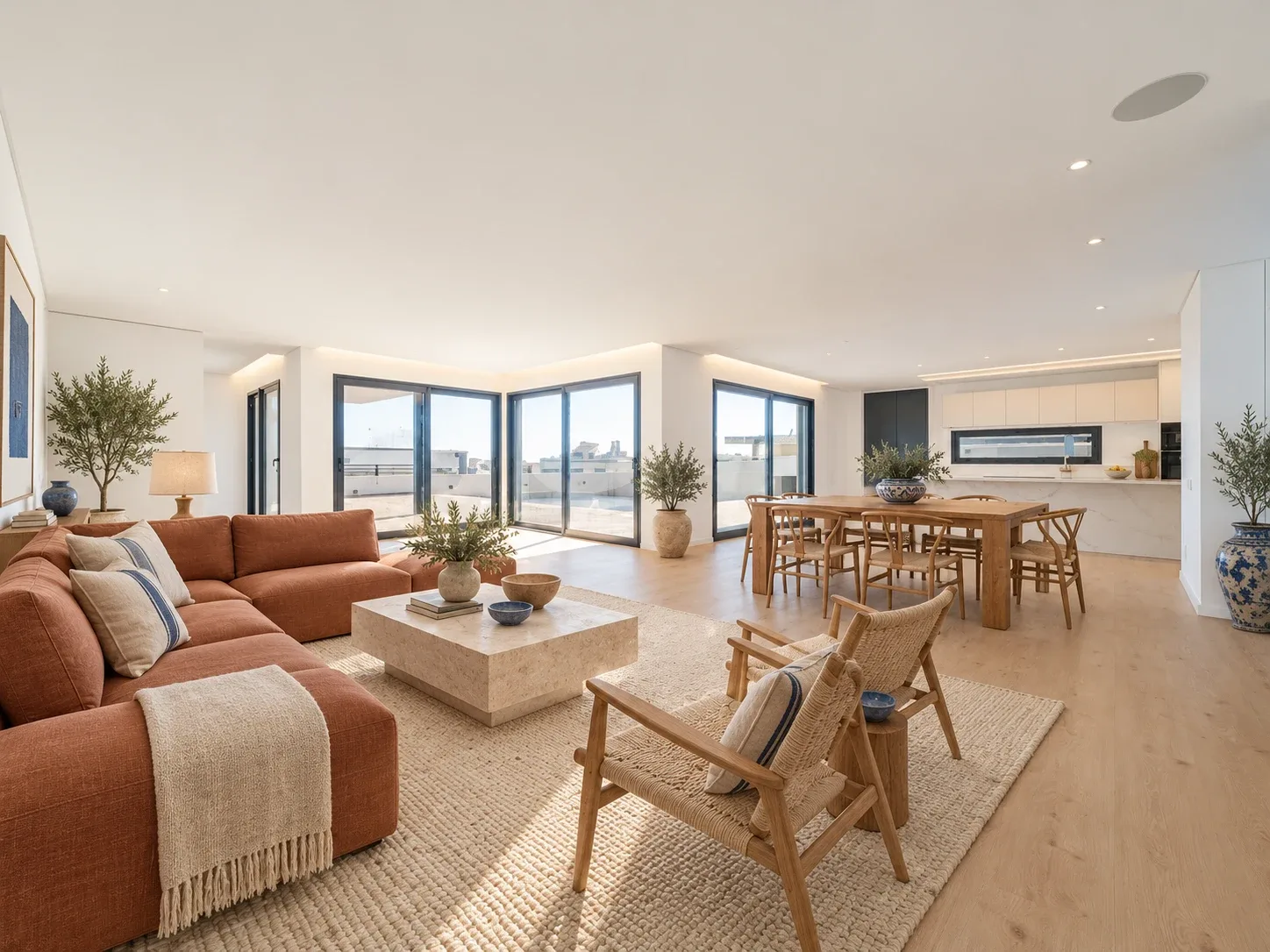
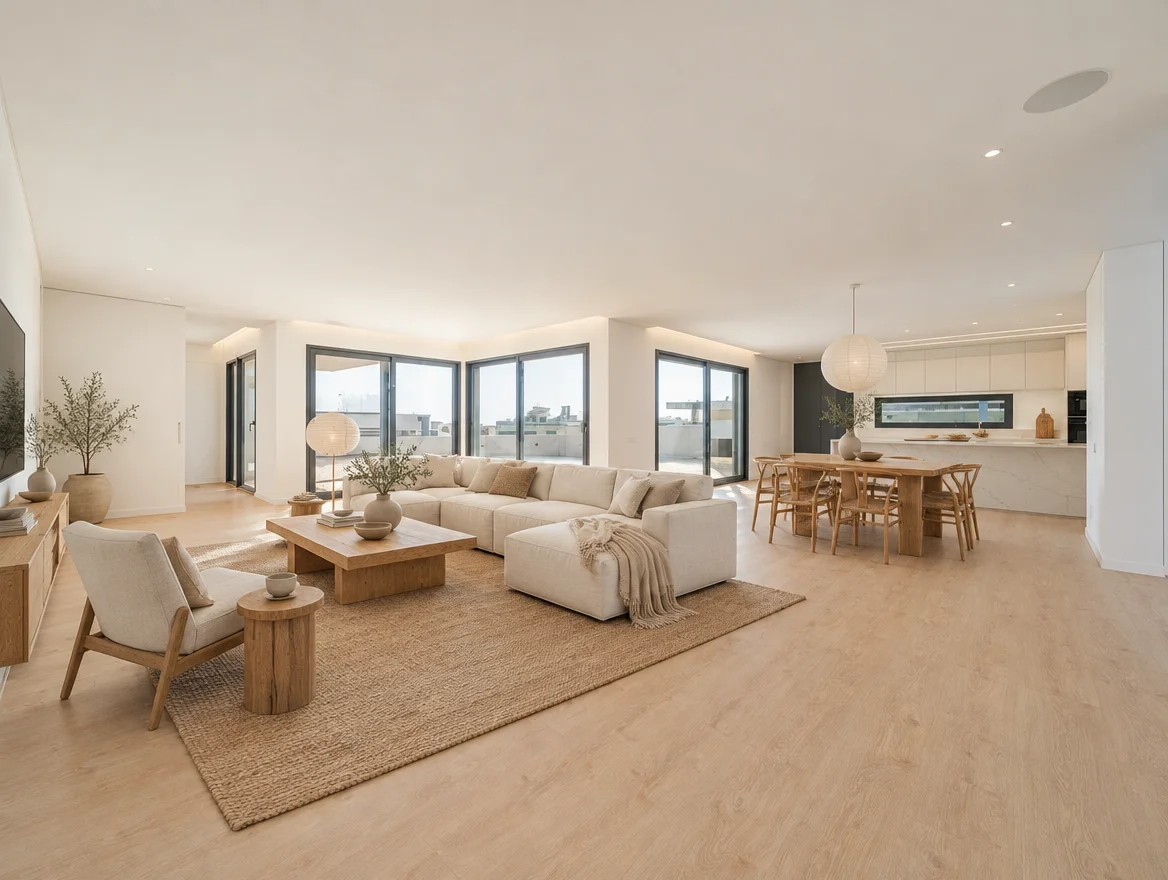
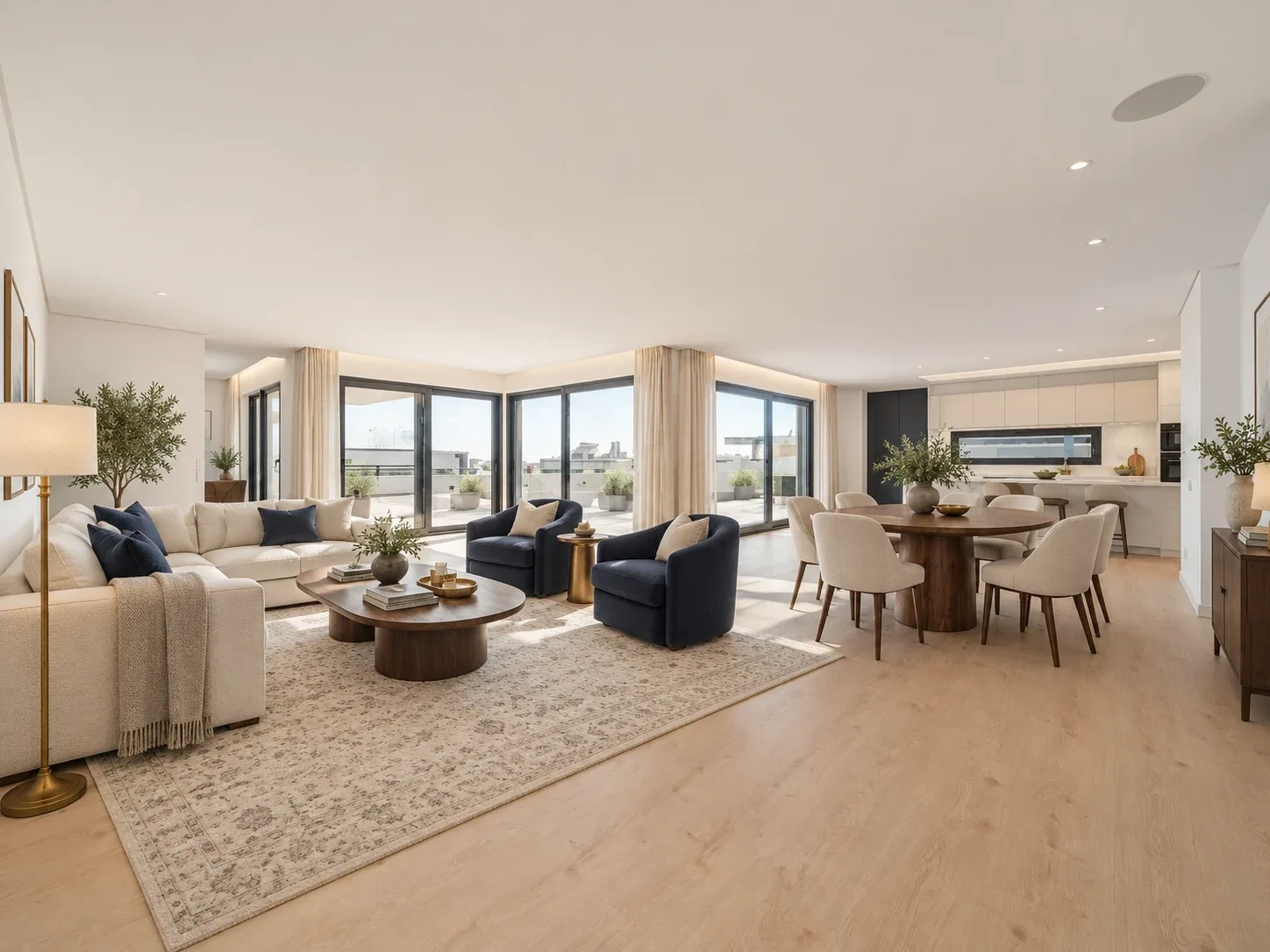
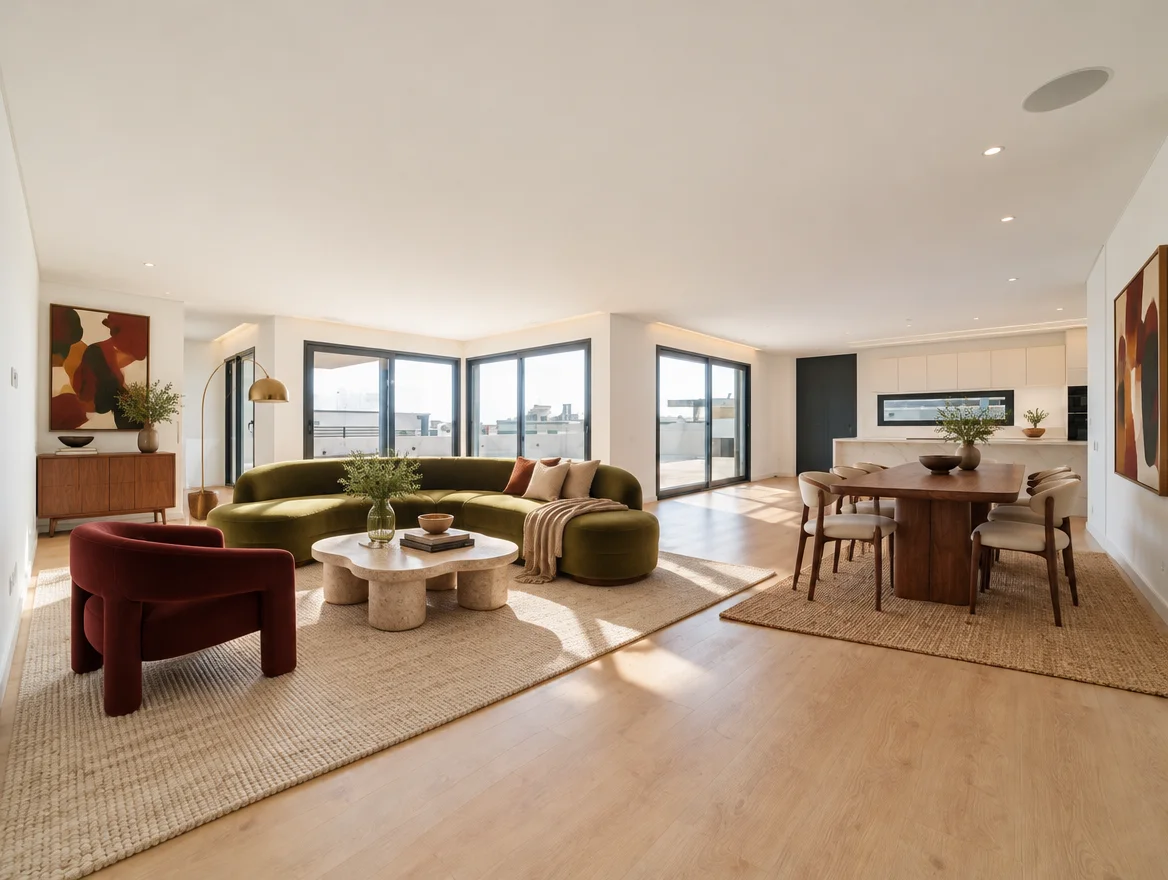
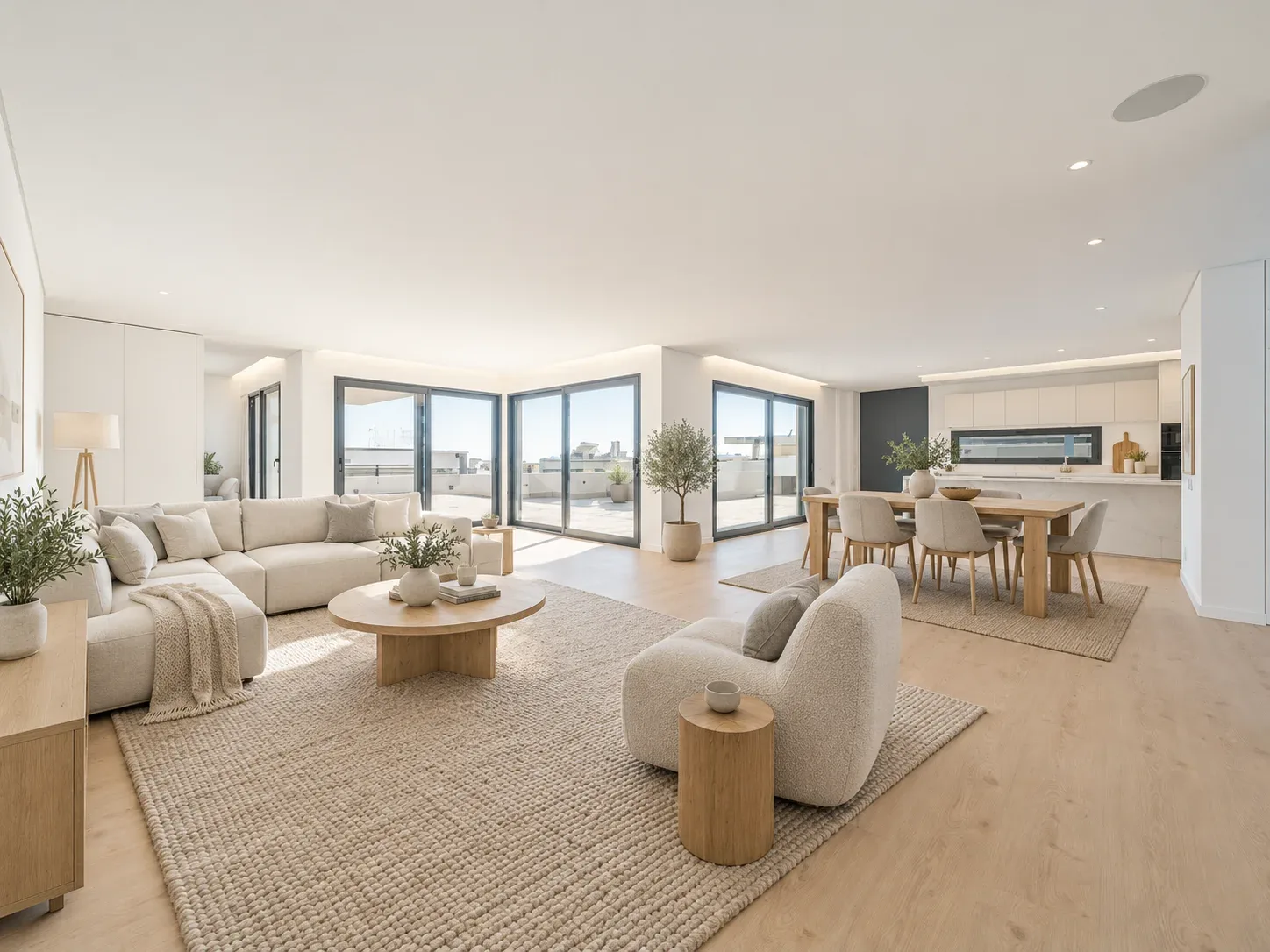
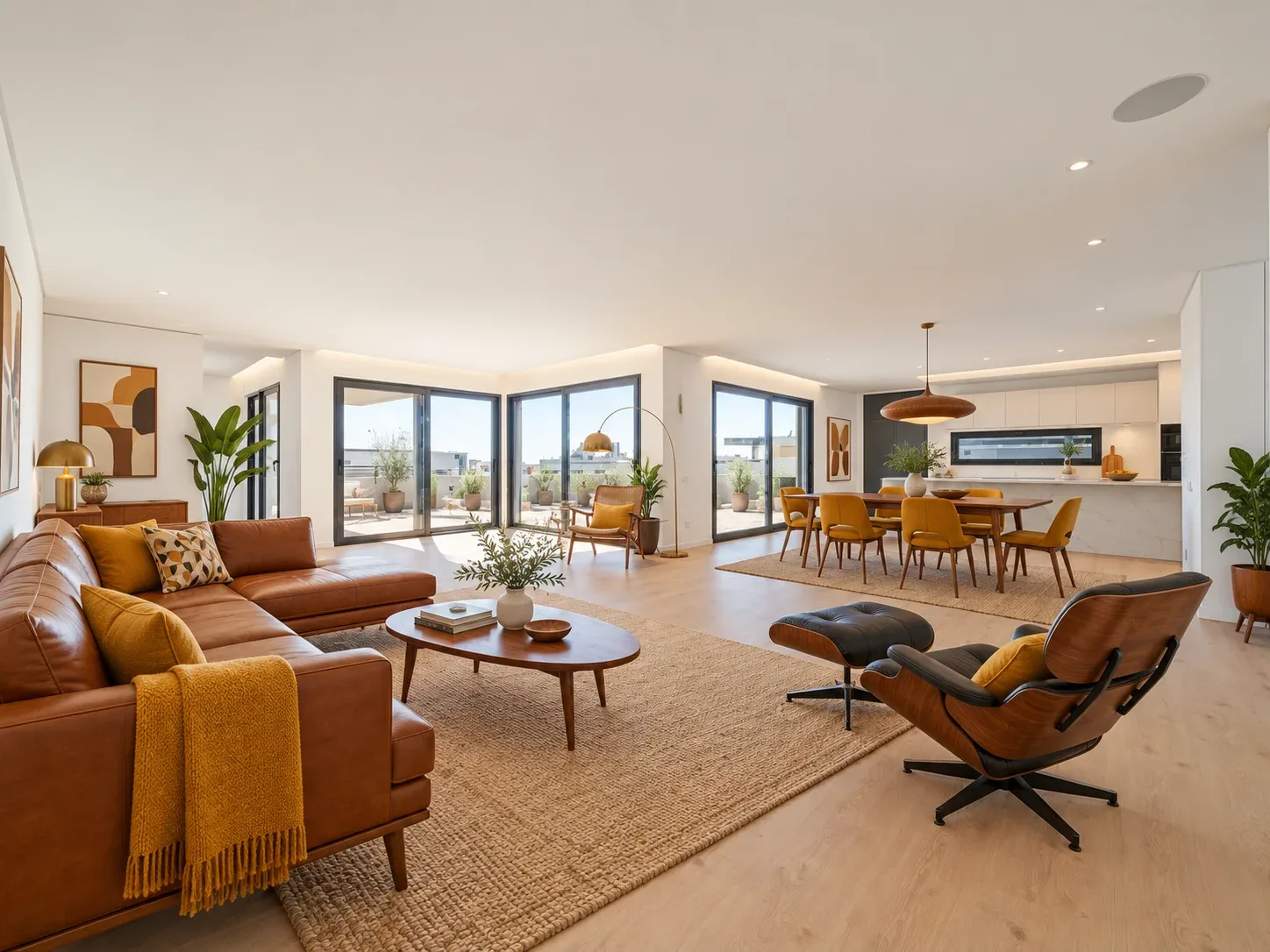
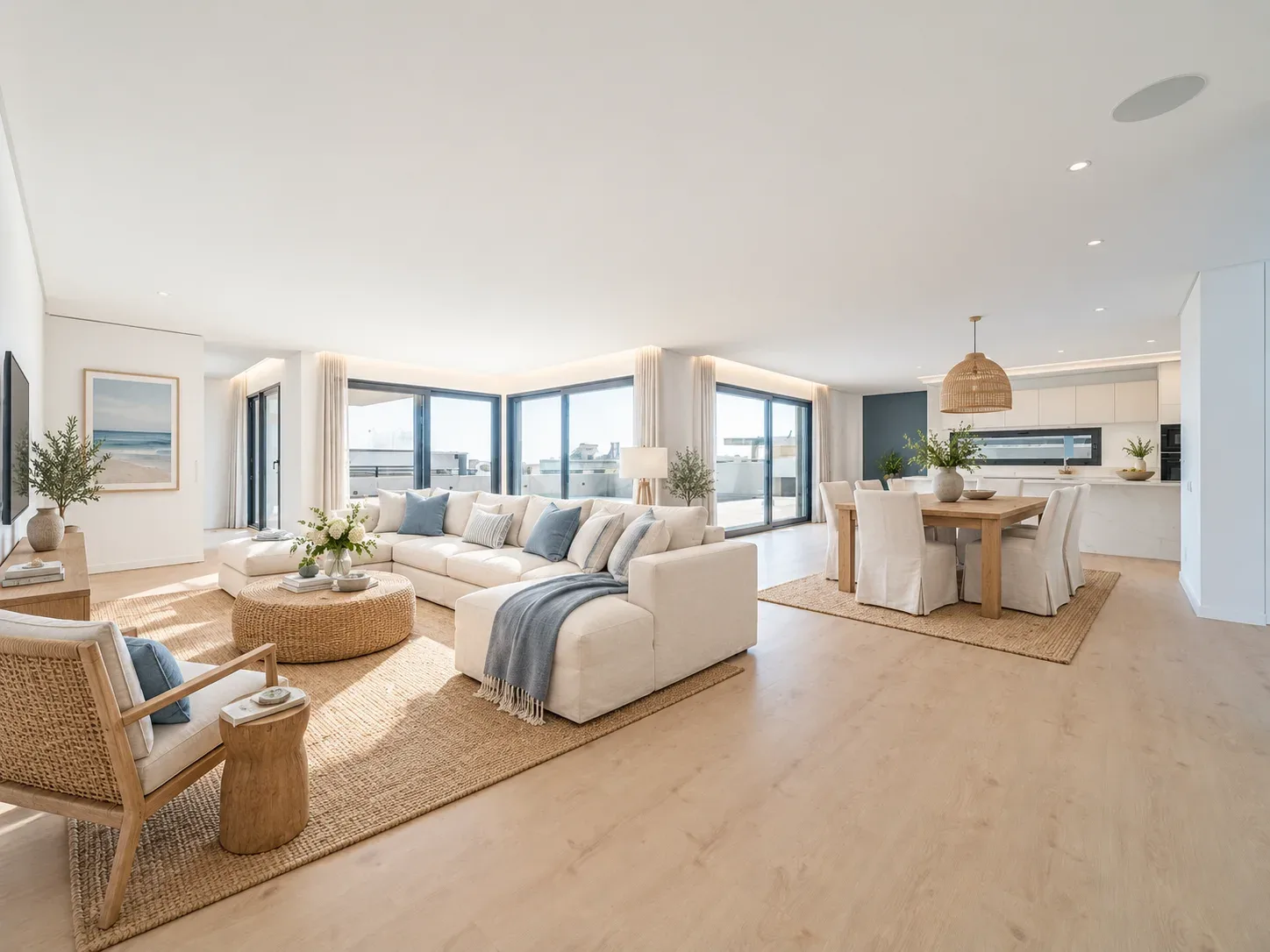
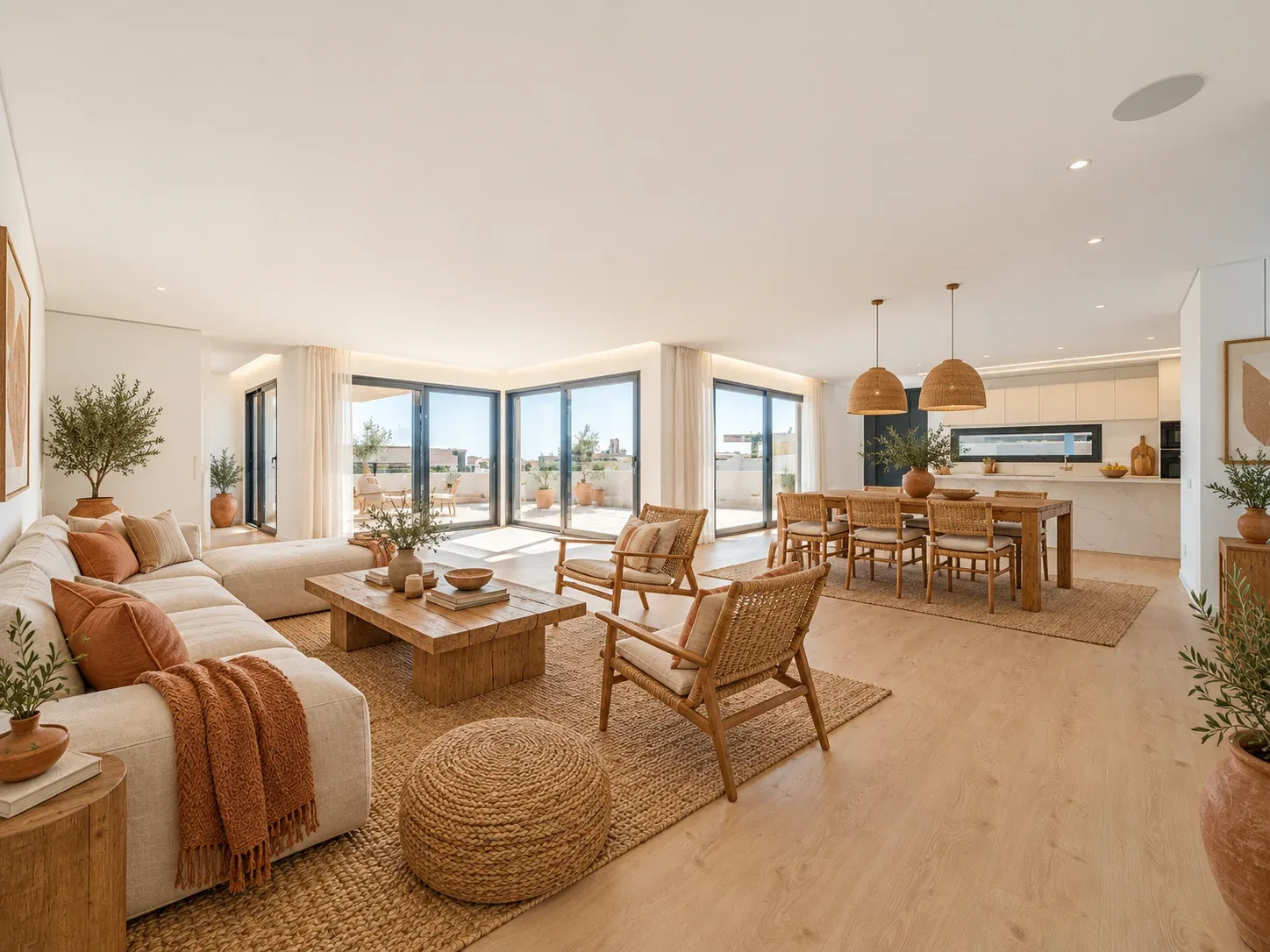
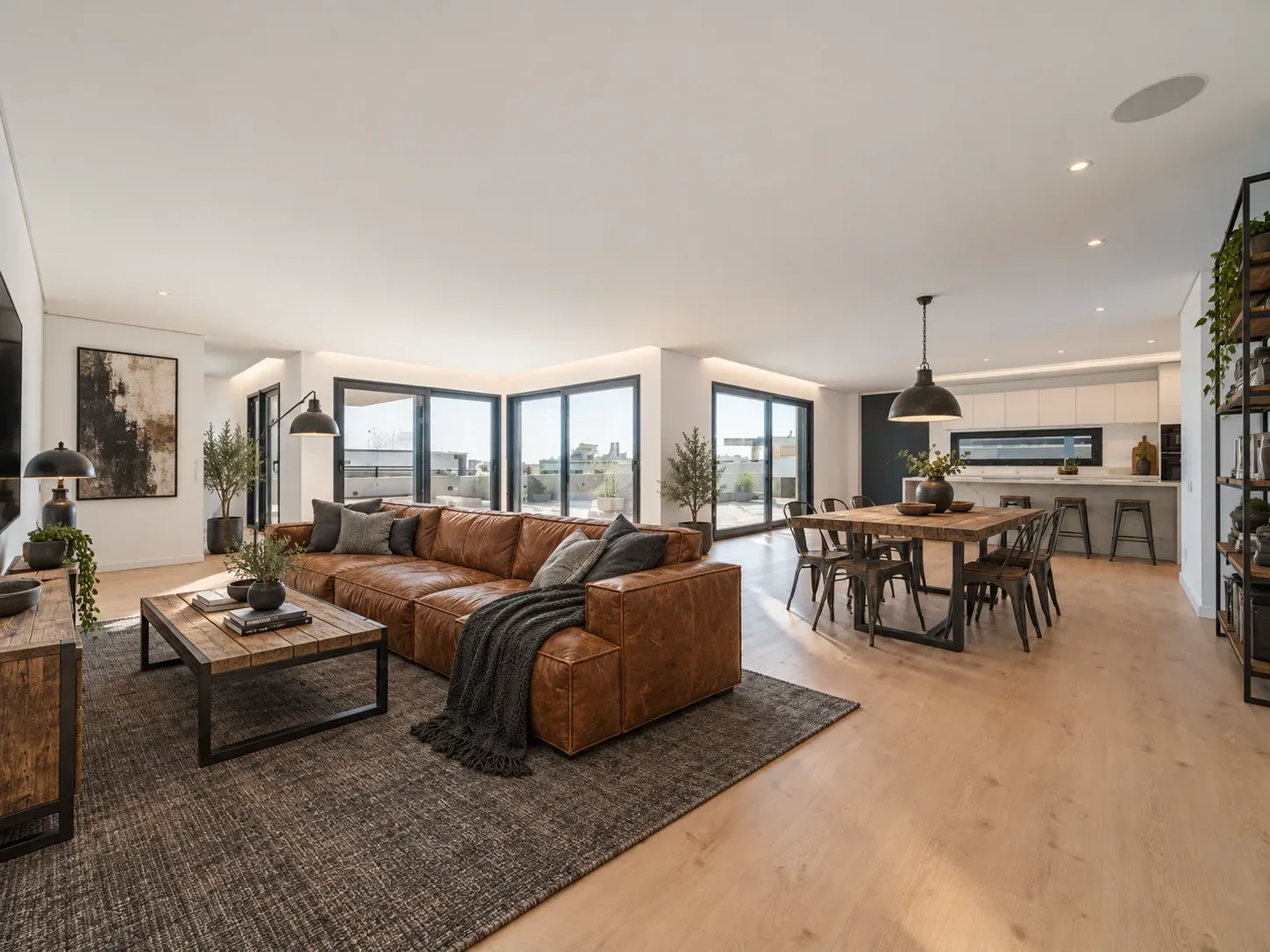
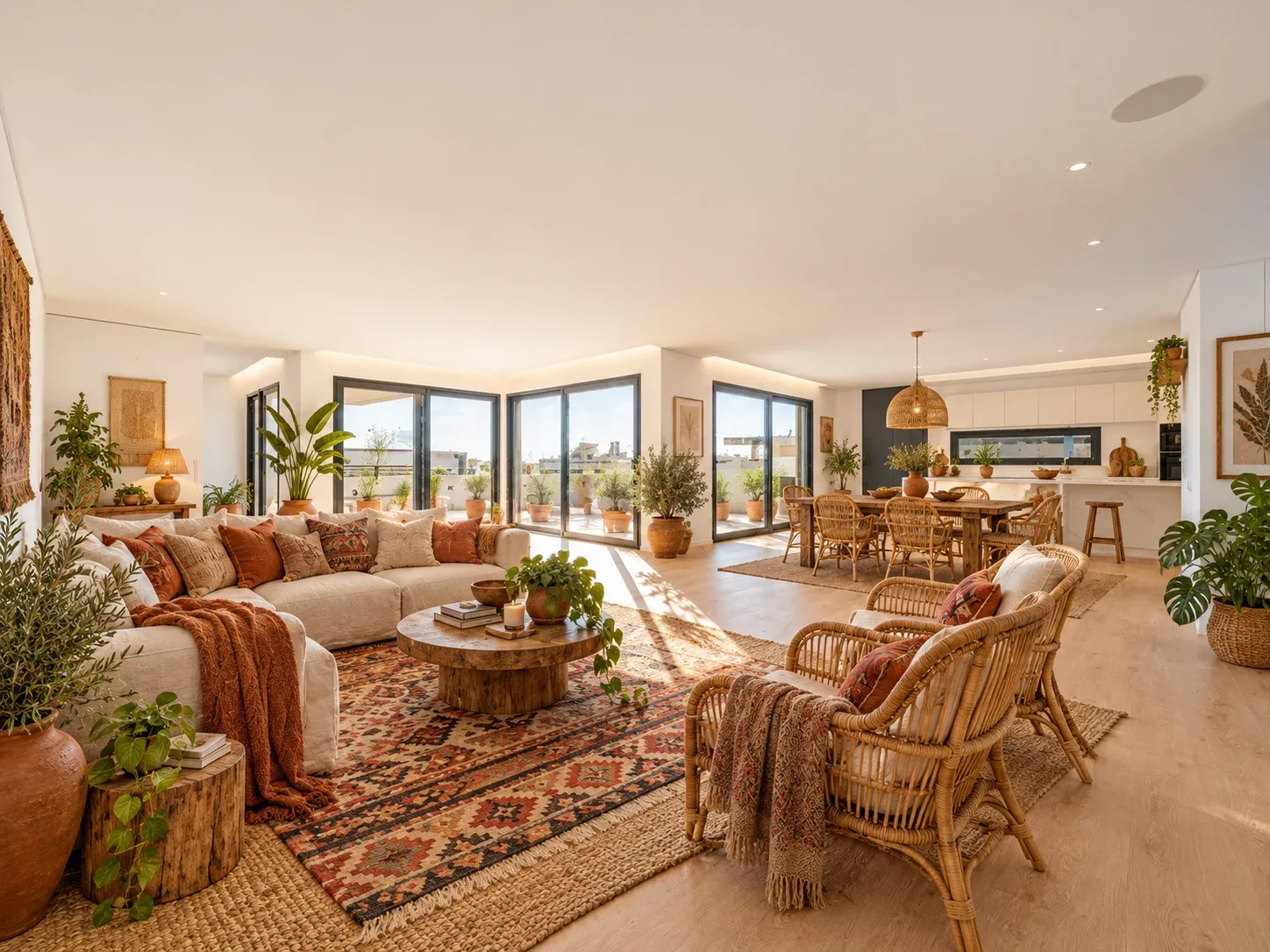
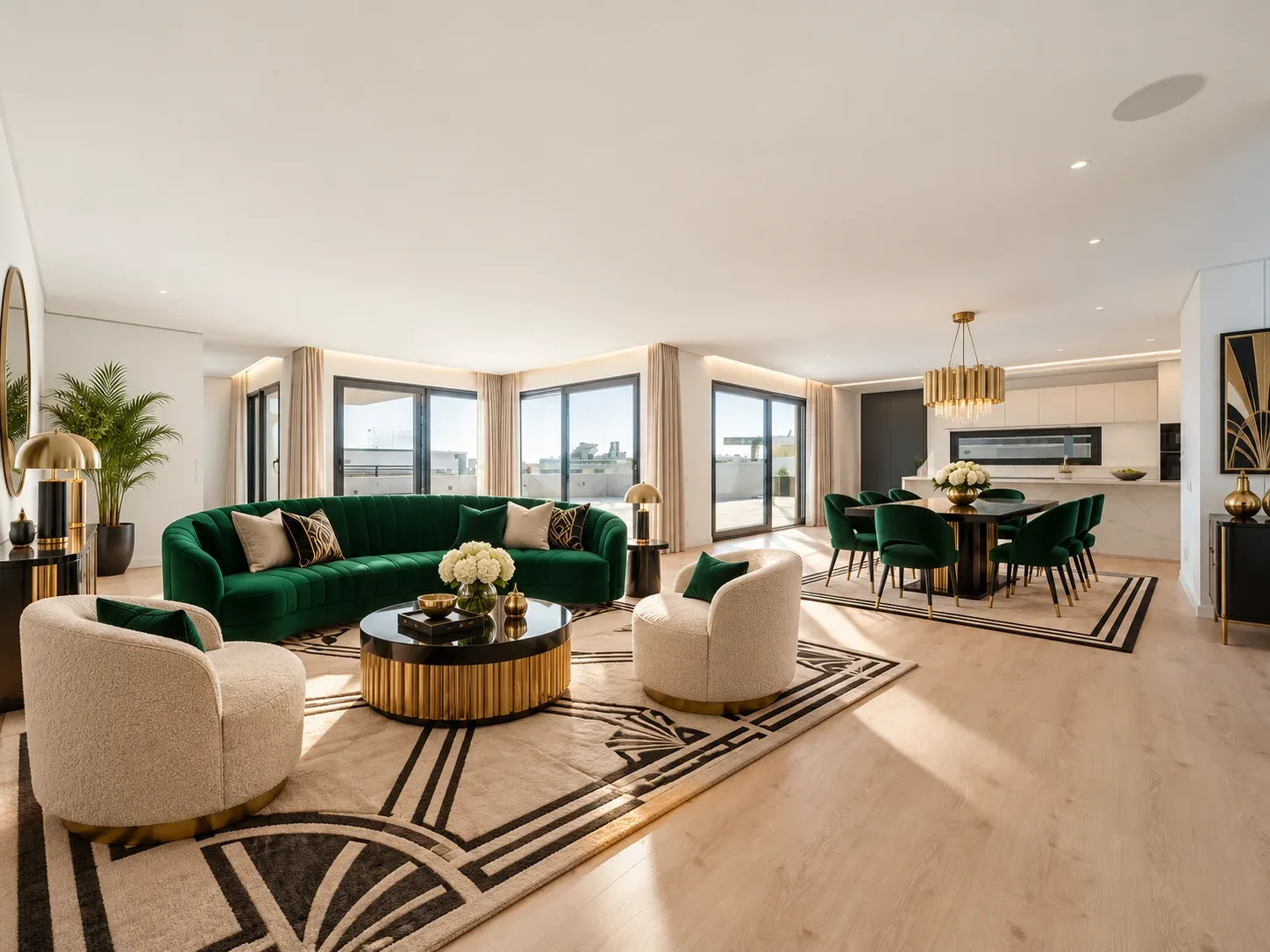
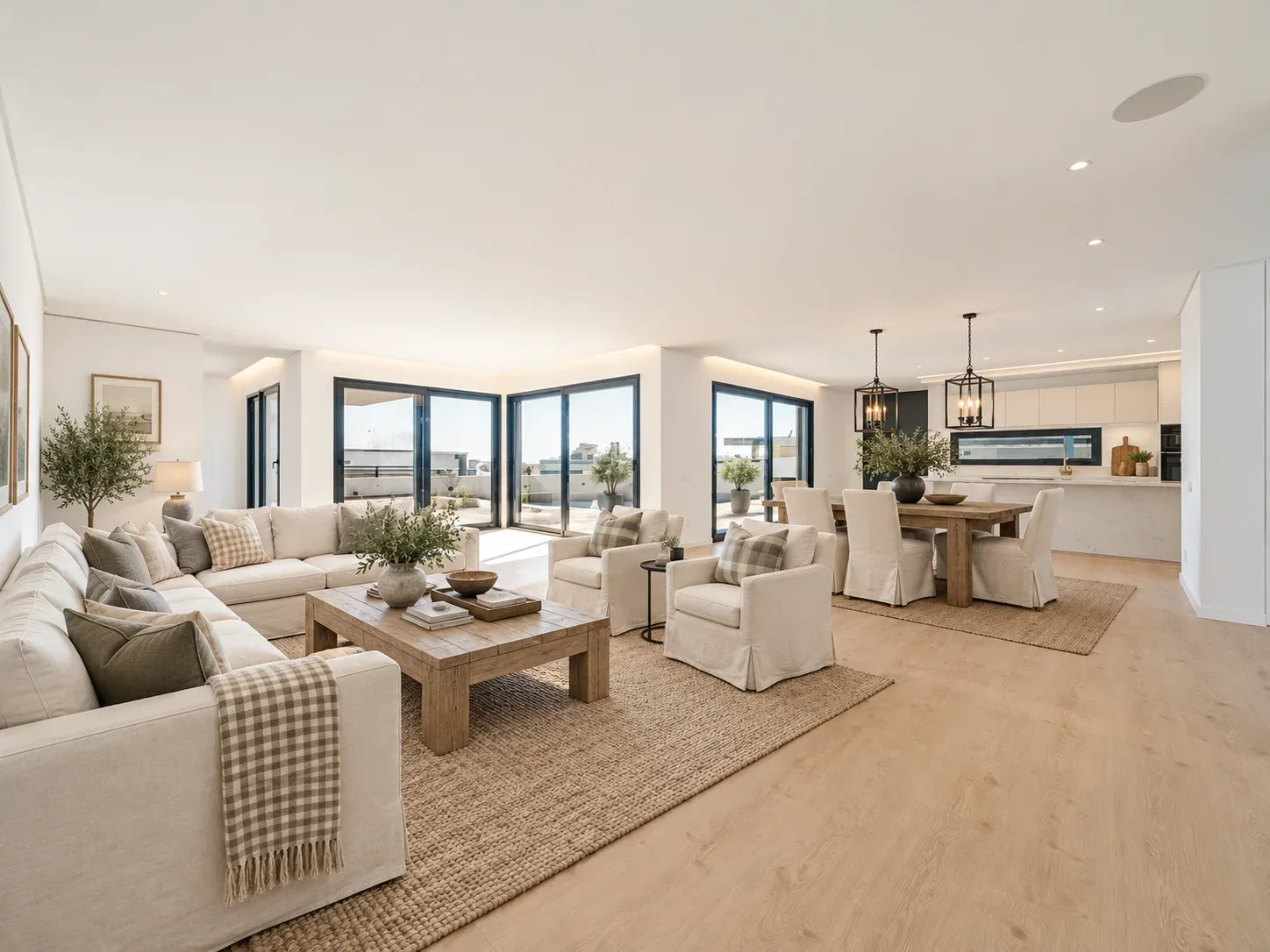
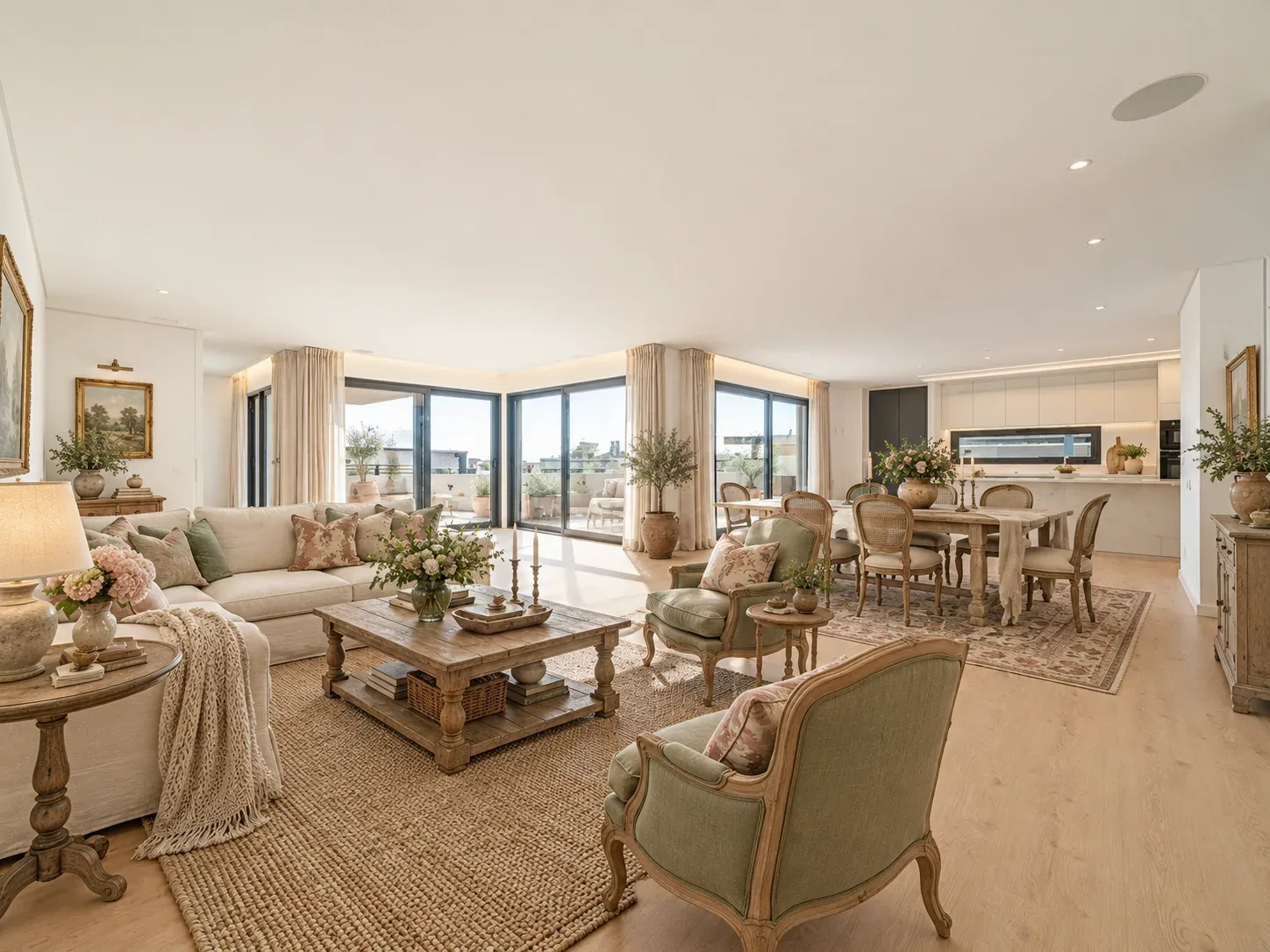
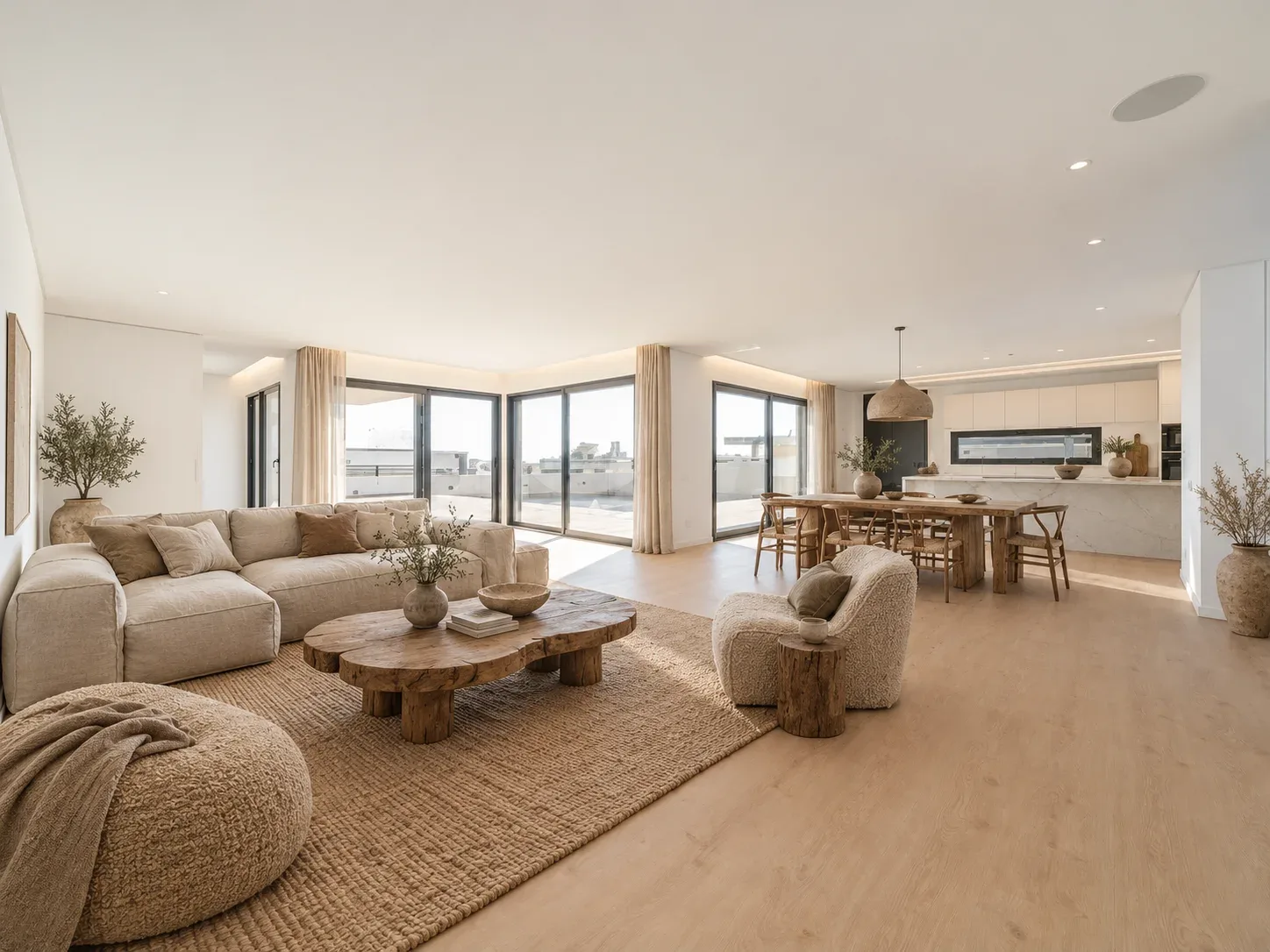
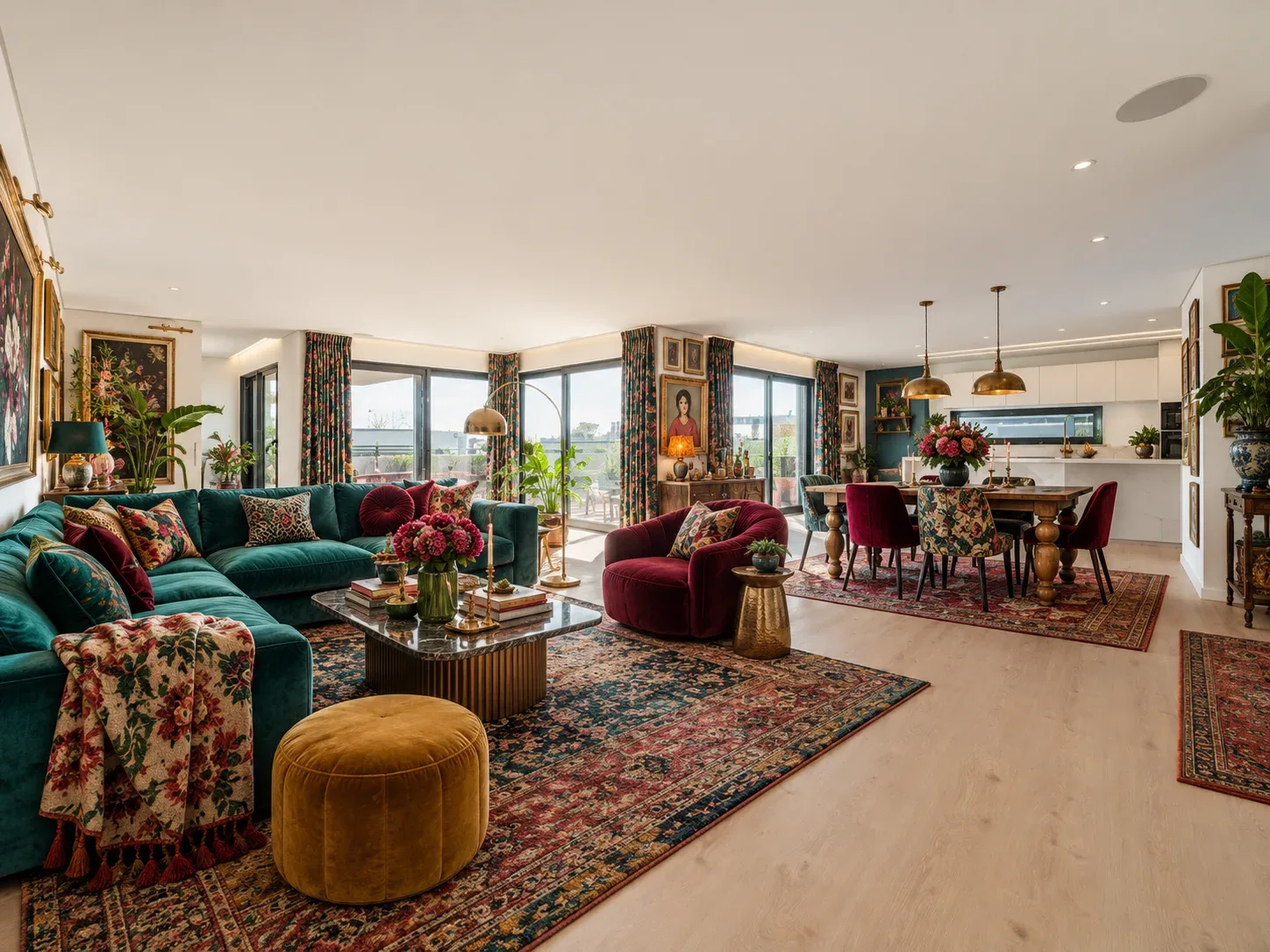
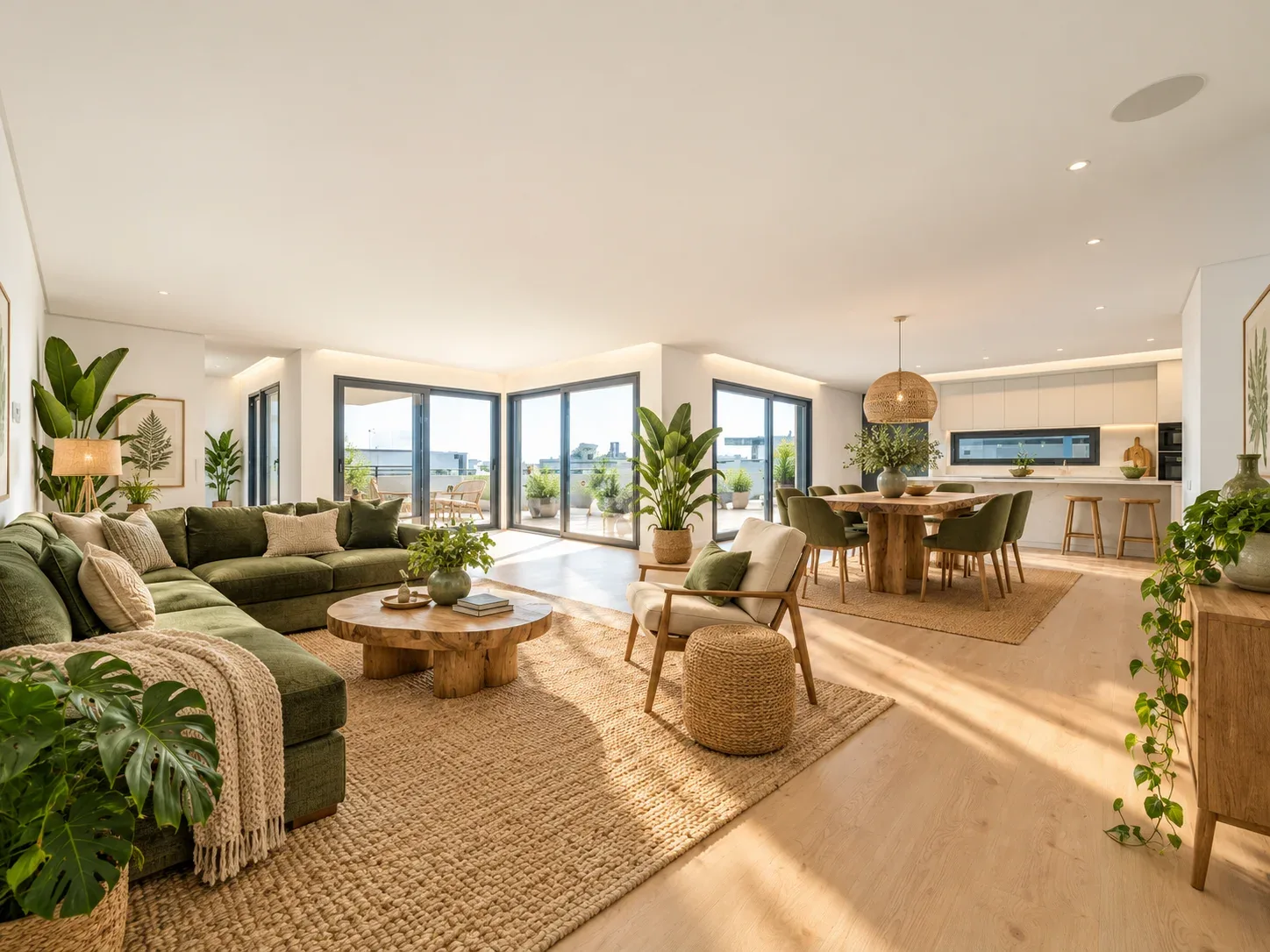
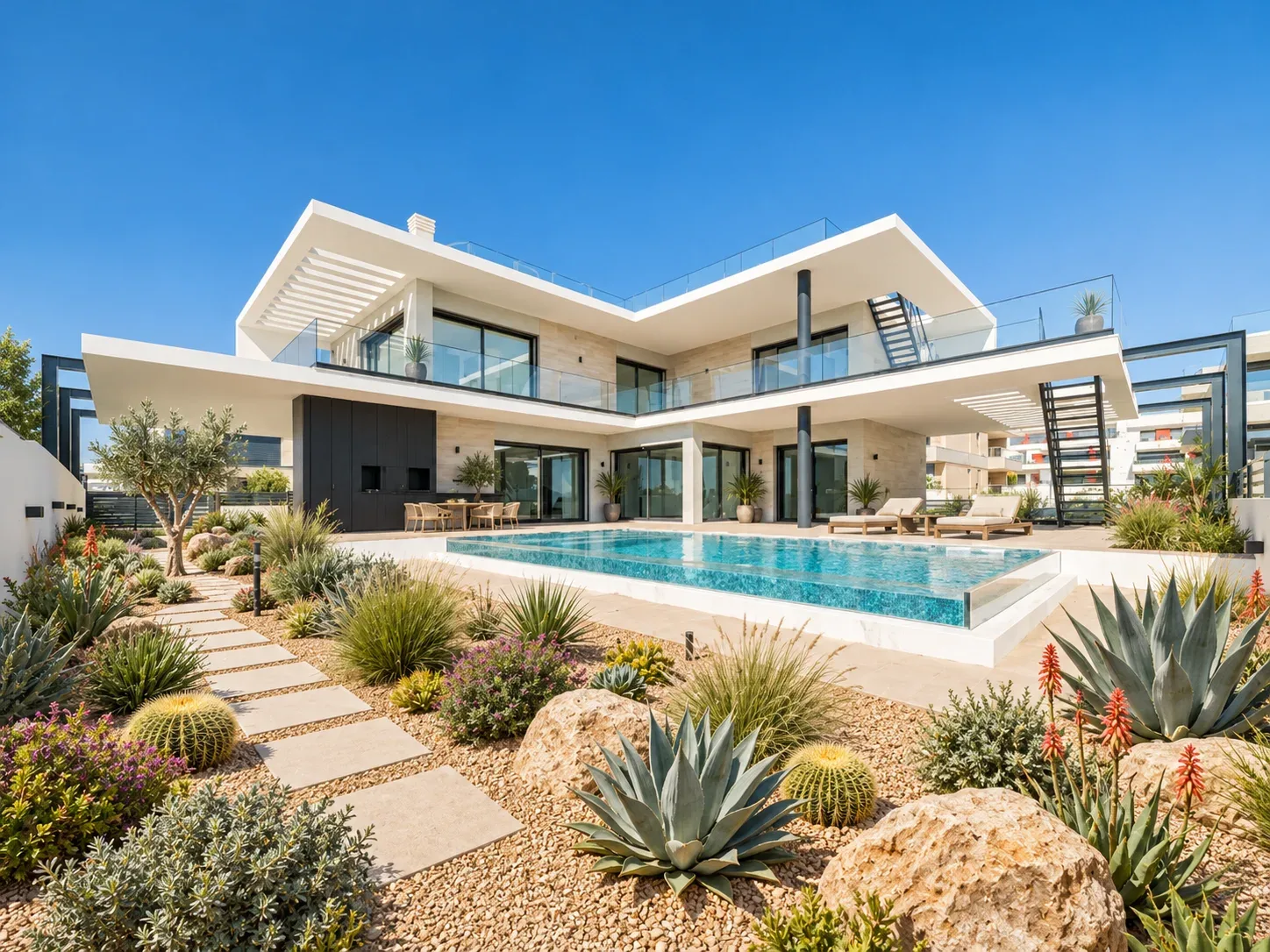
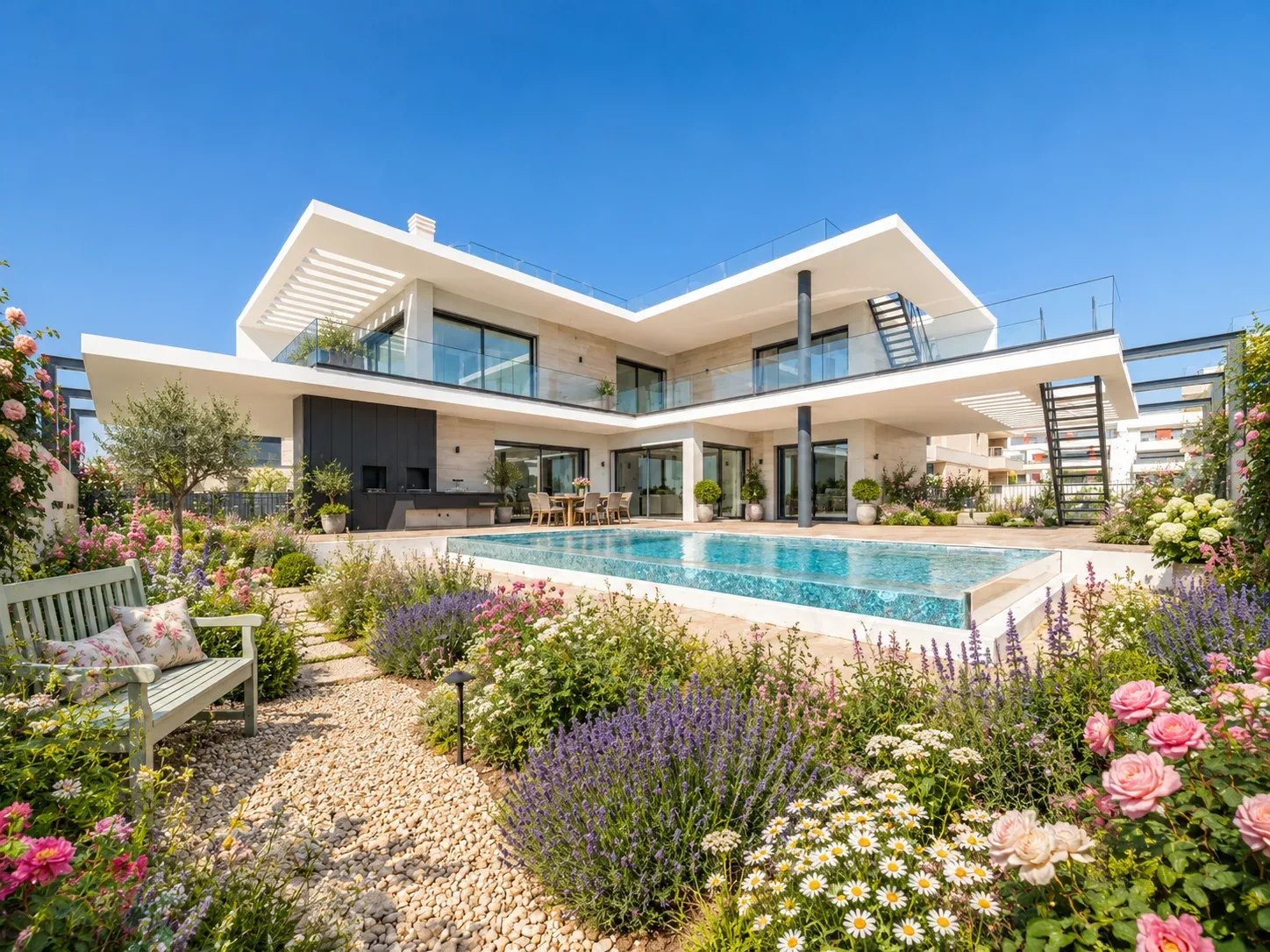
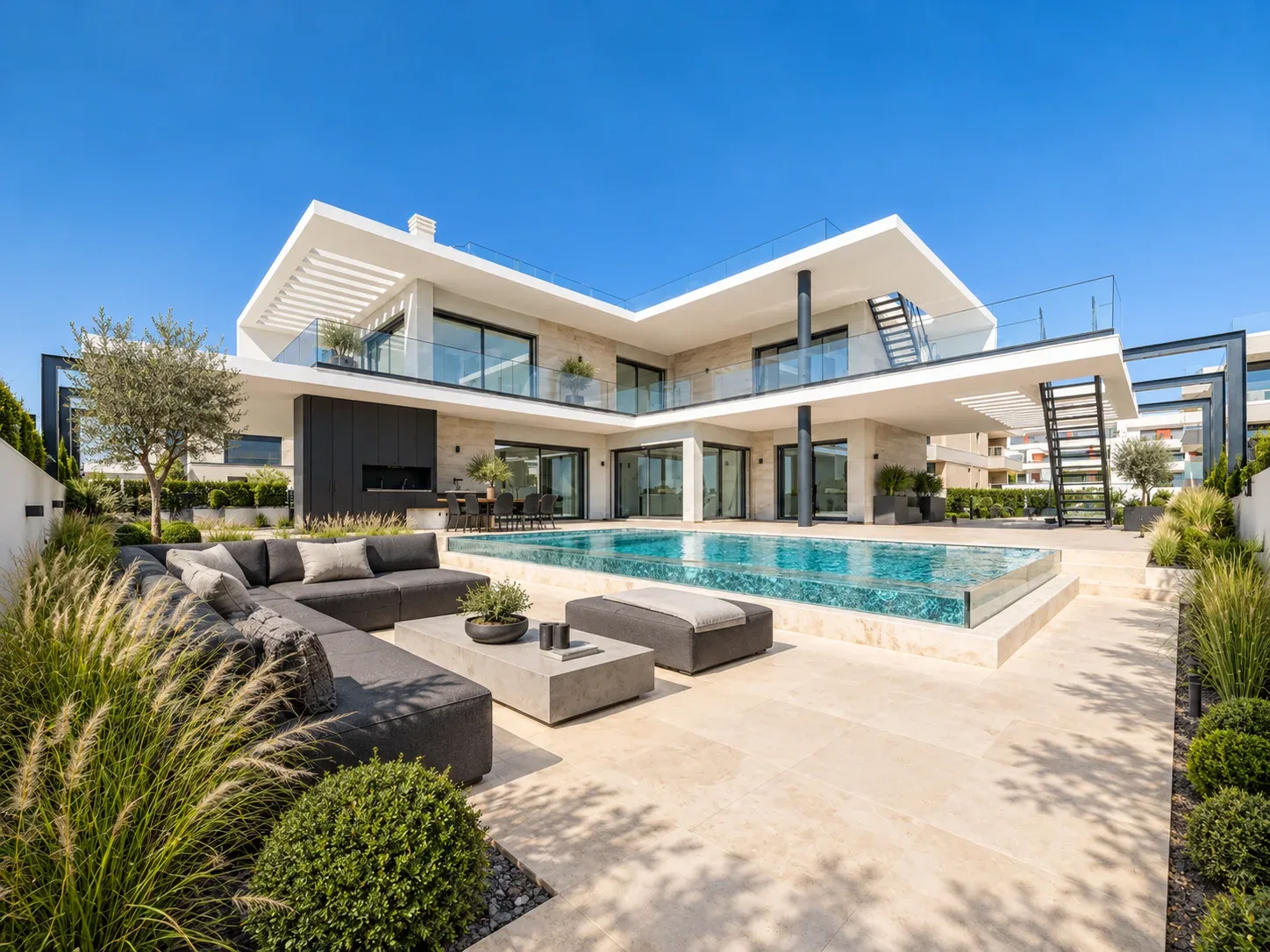
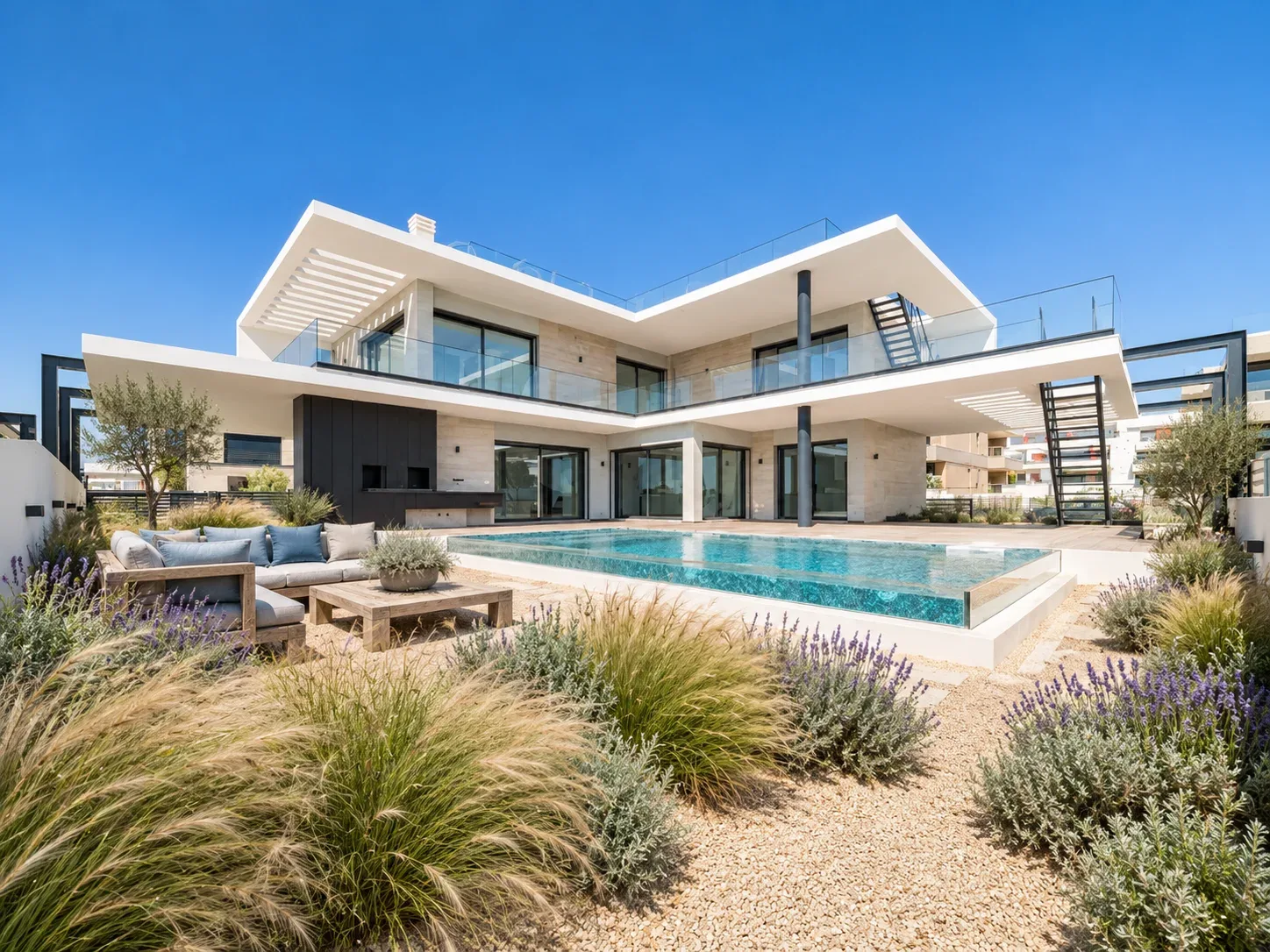
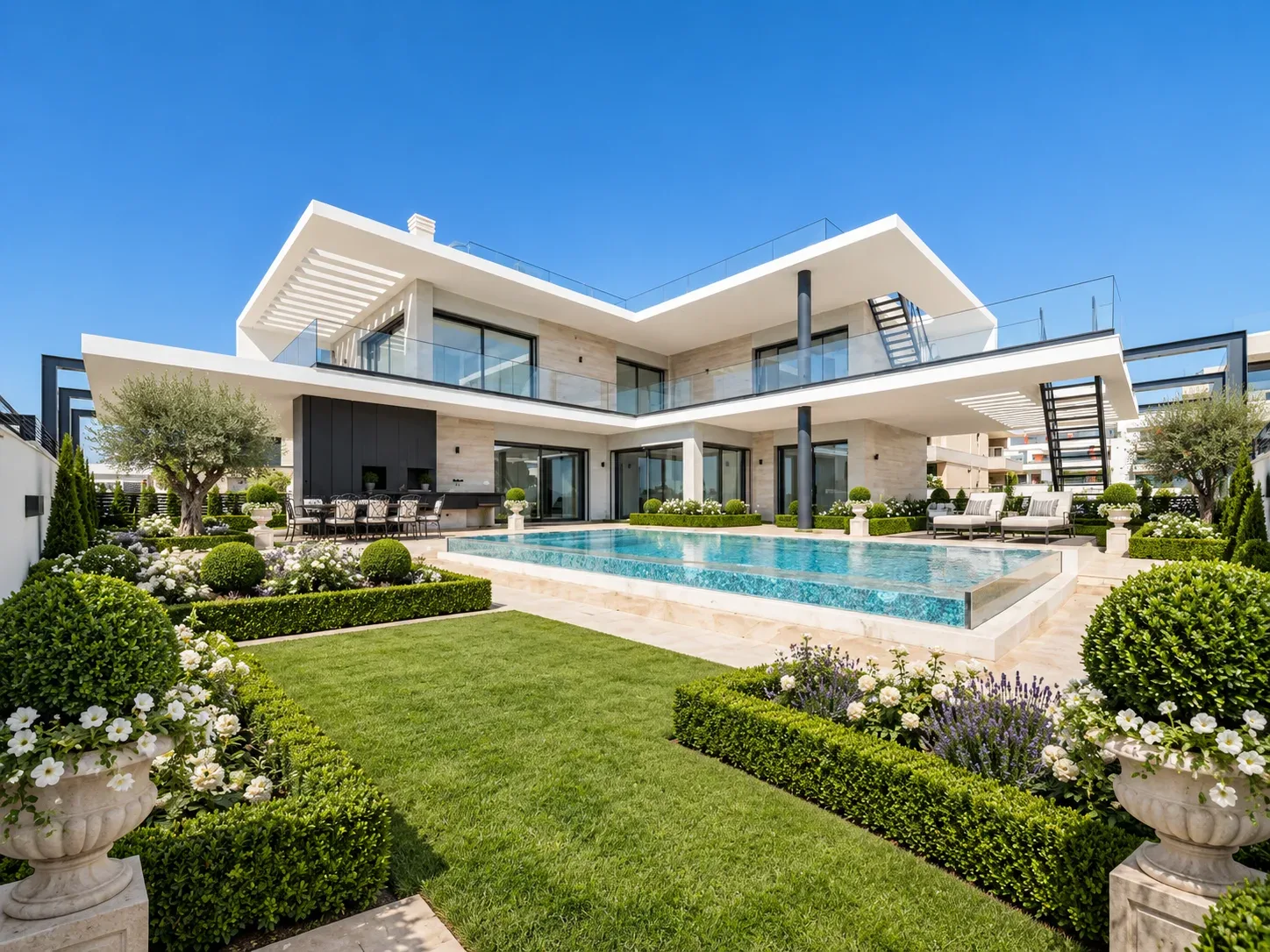
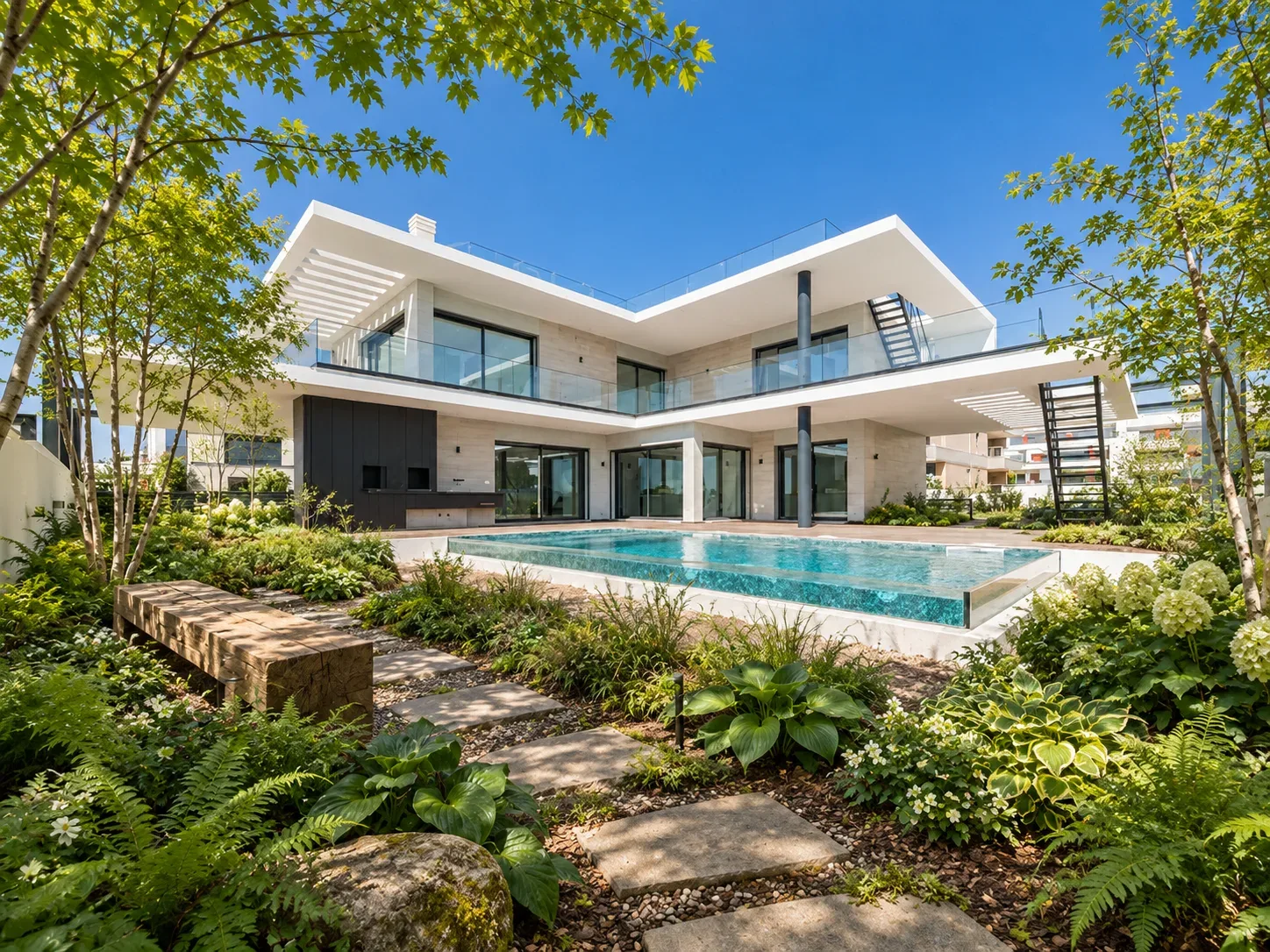
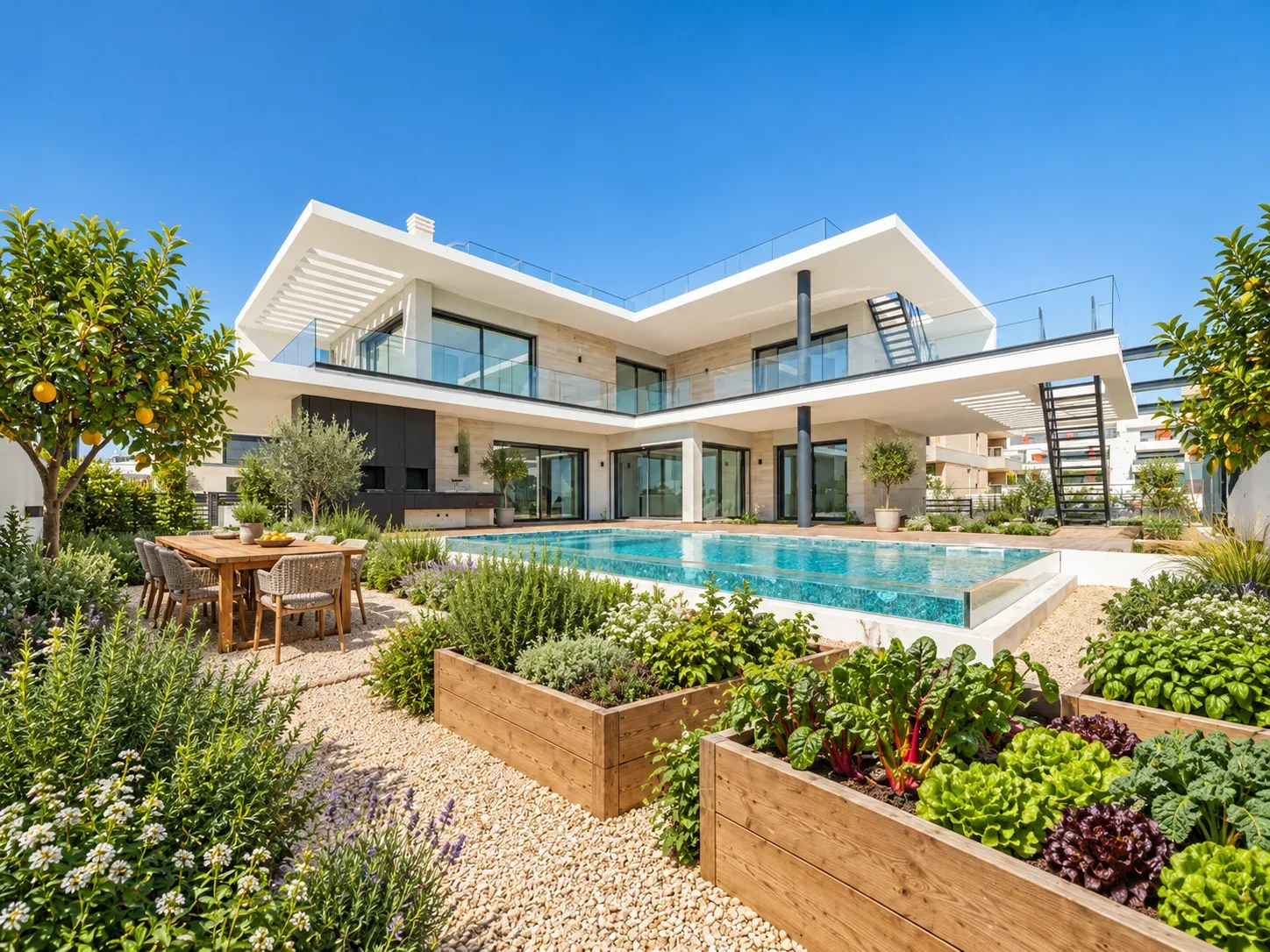
Take it outside.
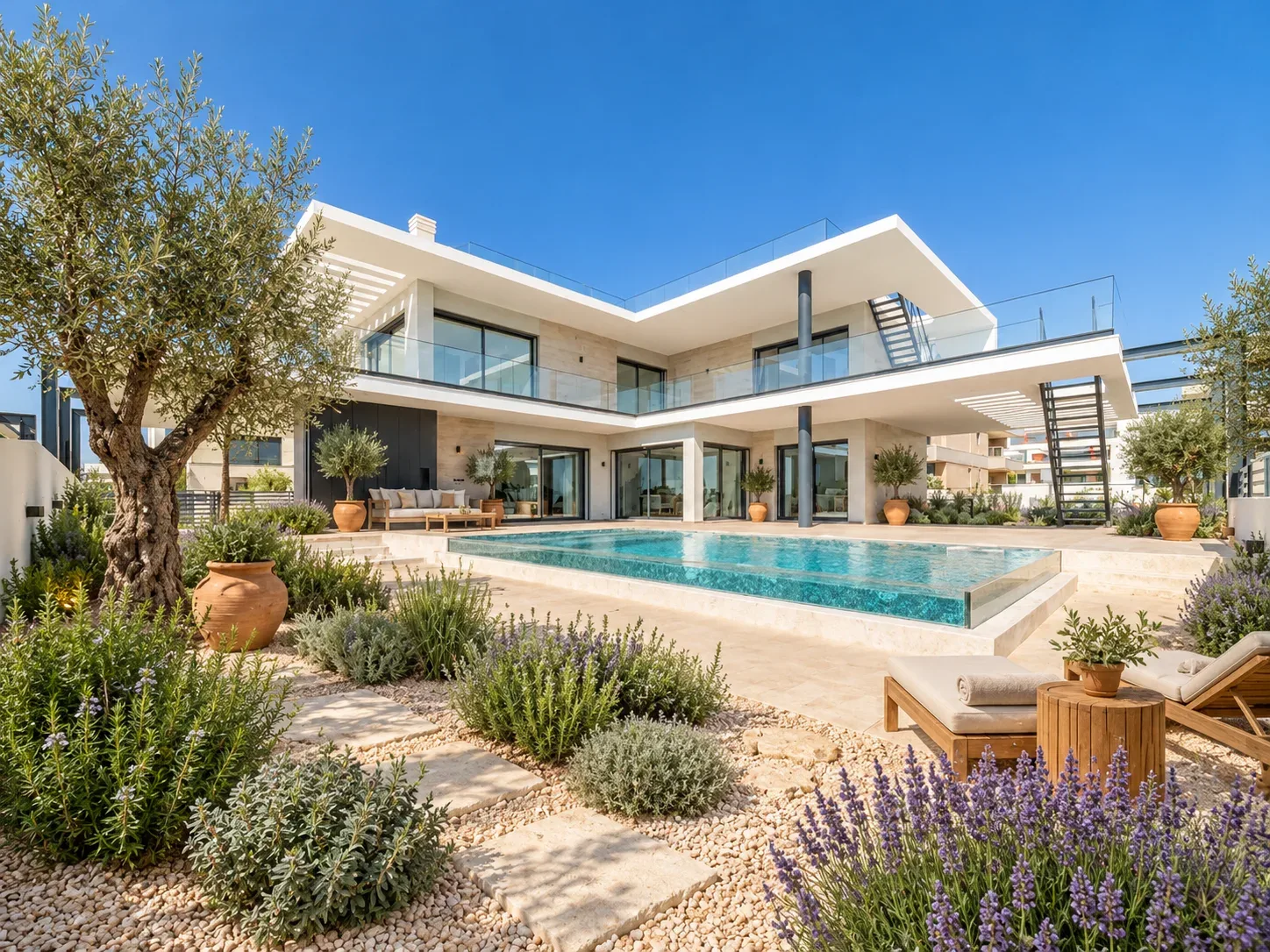
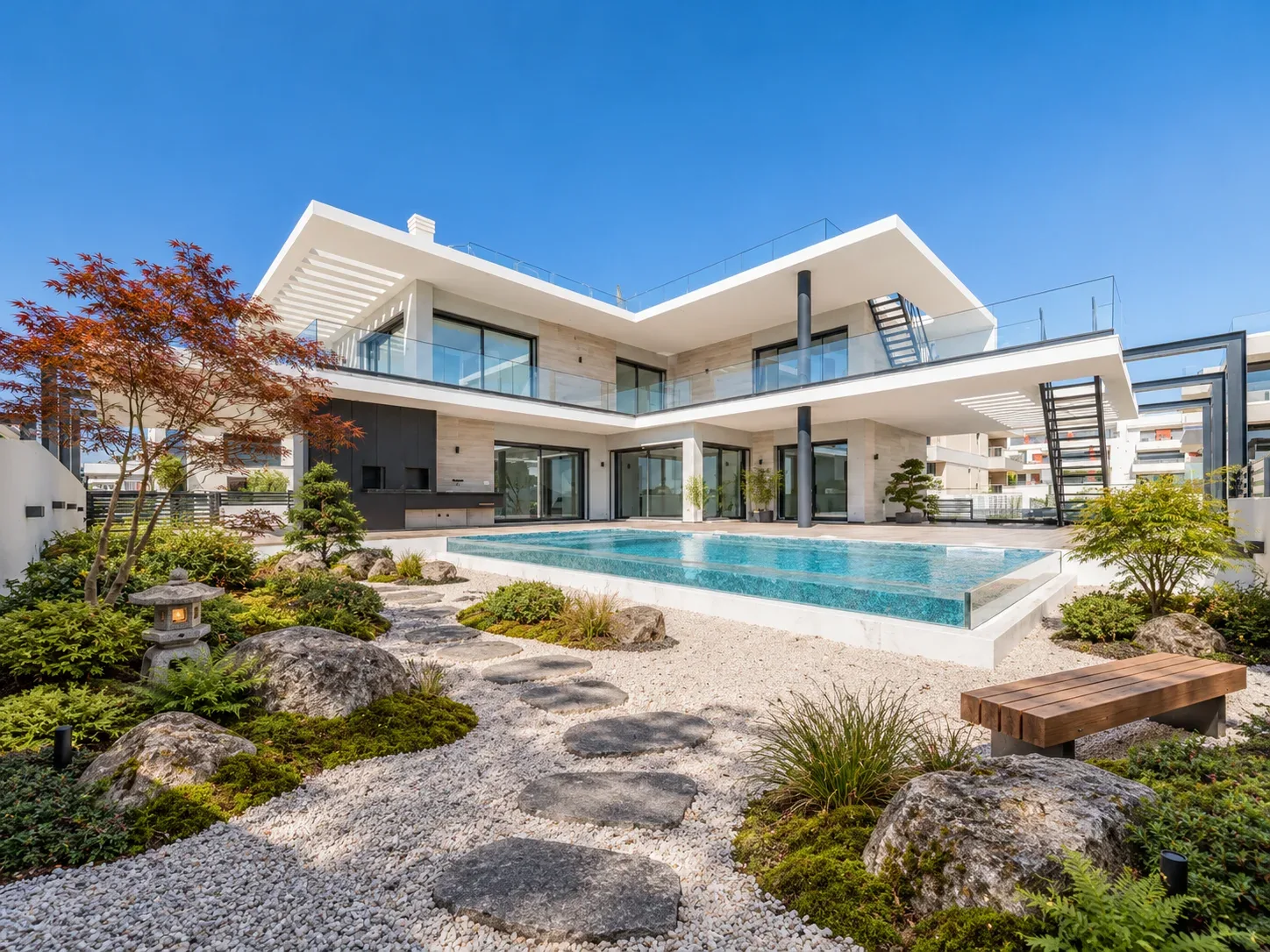
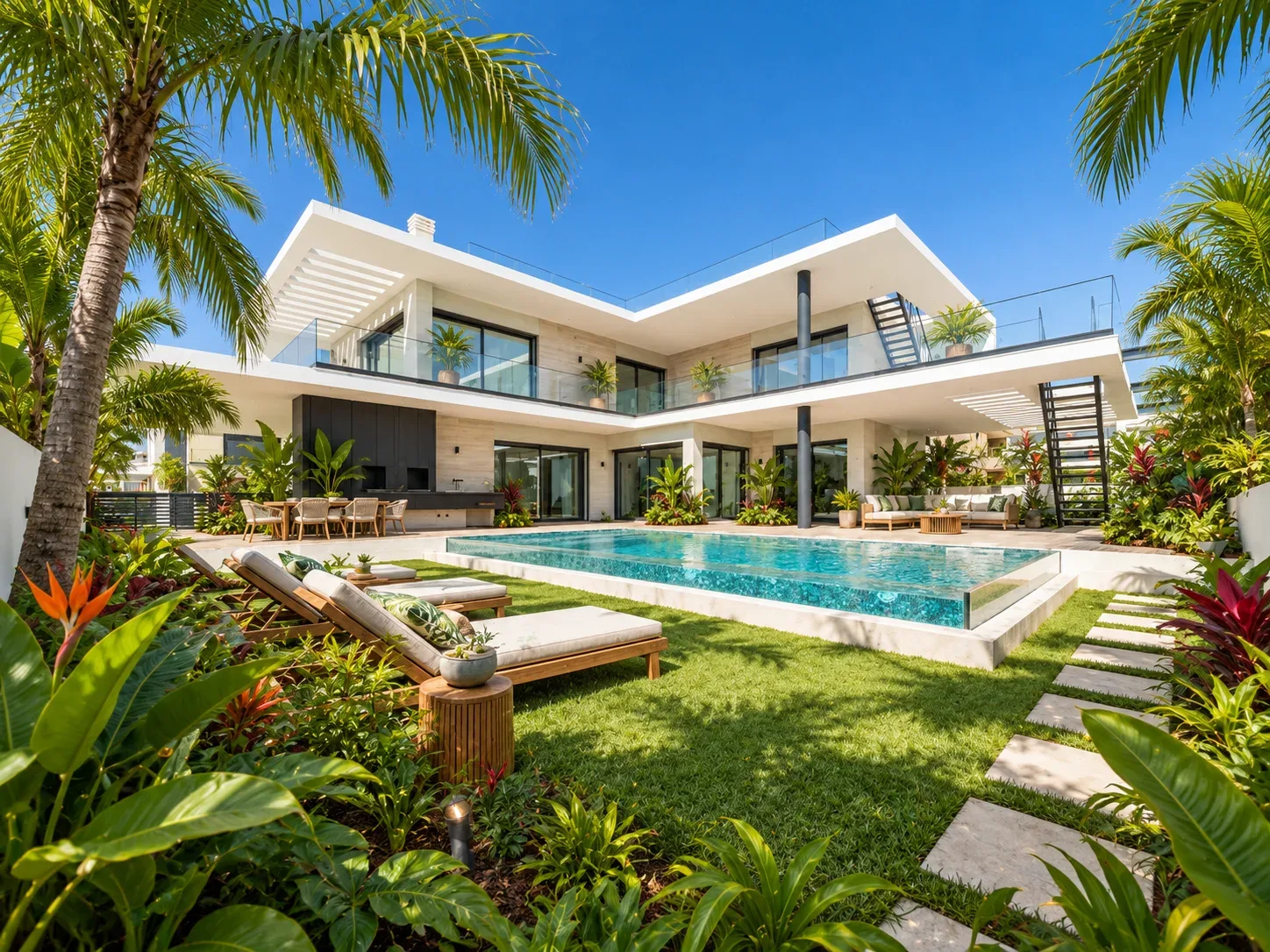
Explore all 10 outdoor styles +
Your questions, answered.
How does AI interior design from a photo work?+
Upload a clear room photograph, choose a style and palette, and describe the changes you want. Room & Story generates a visual concept that you can compare with the original, save to a property project and download.
What is the difference between room redesign and virtual staging?+
Room redesign explores broader changes to furniture, colors and finishes. Virtual staging proposes furnishings while asking the model to retain the room’s existing fixed finishes. Both require review because generated images can change details.
Can I use AI virtual staging for real estate photos?+
Yes. Choose Virtual staging in the studio and describe the furniture scheme. Compare every result with the original, clearly label it as virtually staged, and check your listing platform’s requirements before using it.
Can I use a floor plan instead of a room photo?+
Start with a room photo. You can add a plan or drawing as a JPG, PNG or WebP reference and note its type, revision and dimensions. The Studio does not verify measurements or create a 3D model.
Can I try a free AI room redesign?+
Yes. Your account includes one free watermarked image. Purchased credits cover photos and video: 1 credit per photo or revision, and 4 per 5-second video clip. See Pricing for packs and plans.
Can AI interior design preserve my existing furniture?+
Describe the pieces and finishes that should stay in your written instructions. The model may still change them, so inspect the result against your original photo. Exact preservation is not guaranteed.
Does the studio create 3D floor plans or construction drawings?+
No. It produces rendered images and optional short animations for visual exploration. It does not provide editable 3D models, dimensioned floor plans, technical specifications or renovation cost estimates.
How can designers use AI room concepts with clients?+
Use a room photo and a focused brief to compare early design directions. Save alternatives by property and download images for a client presentation, then develop the selected direction through your usual measured design and sourcing process.
Ready to get started?
Explore photo checklists, small-room layouts, style comparisons, rental refreshes and furniture sourcing in the Room & Story journal ↗.
AI concepts are visual inspiration. Check dimensions and feasibility before buying or renovating.