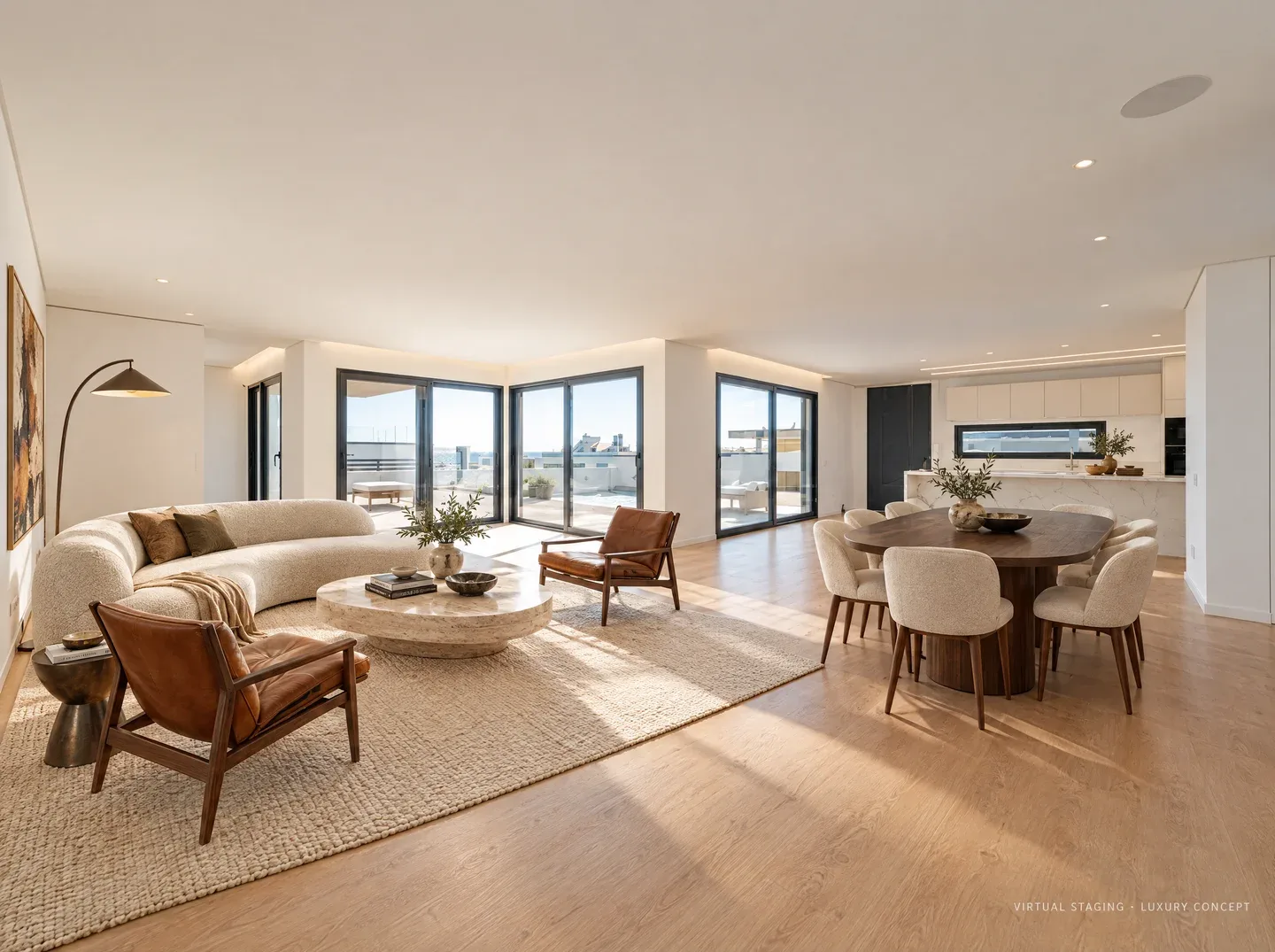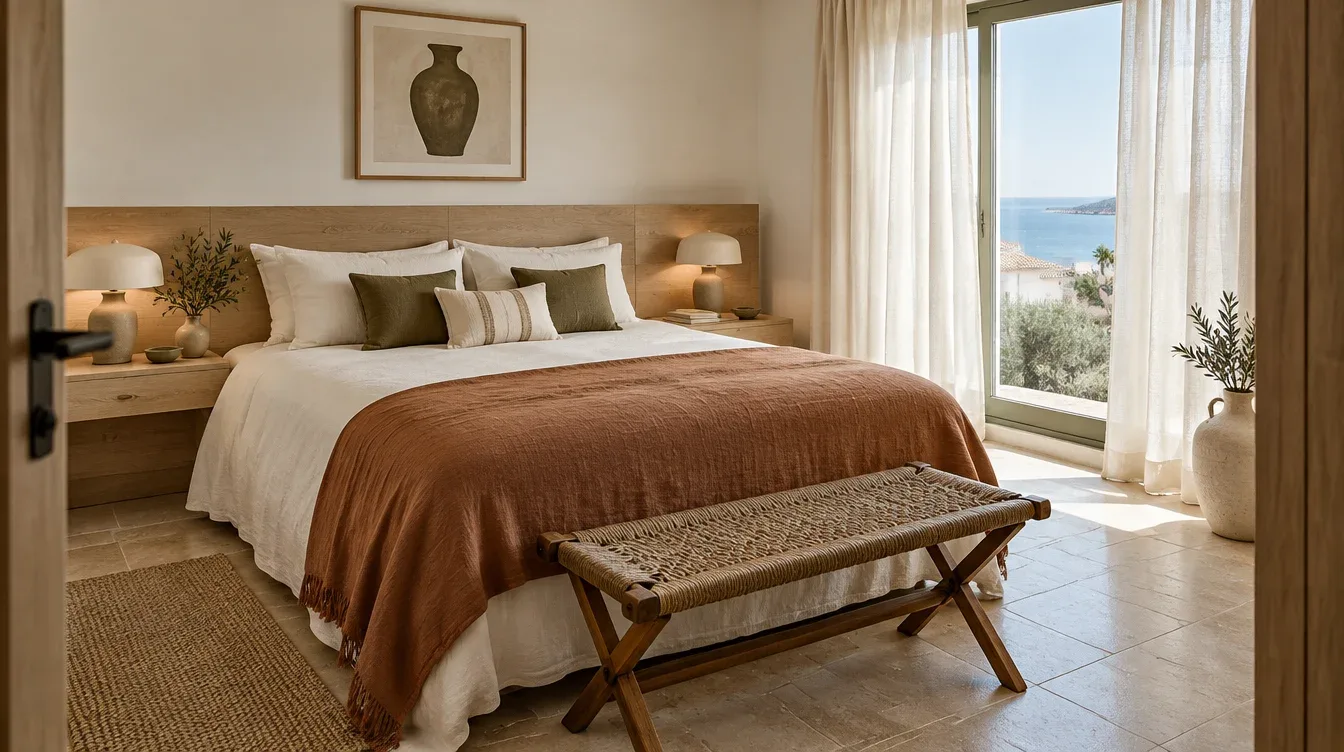
Show what an empty rental could look like
Show how a vacant rental could be furnished. Keep fixed features, explain what the tenancy includes and present the reviewed concept beside the original photo.
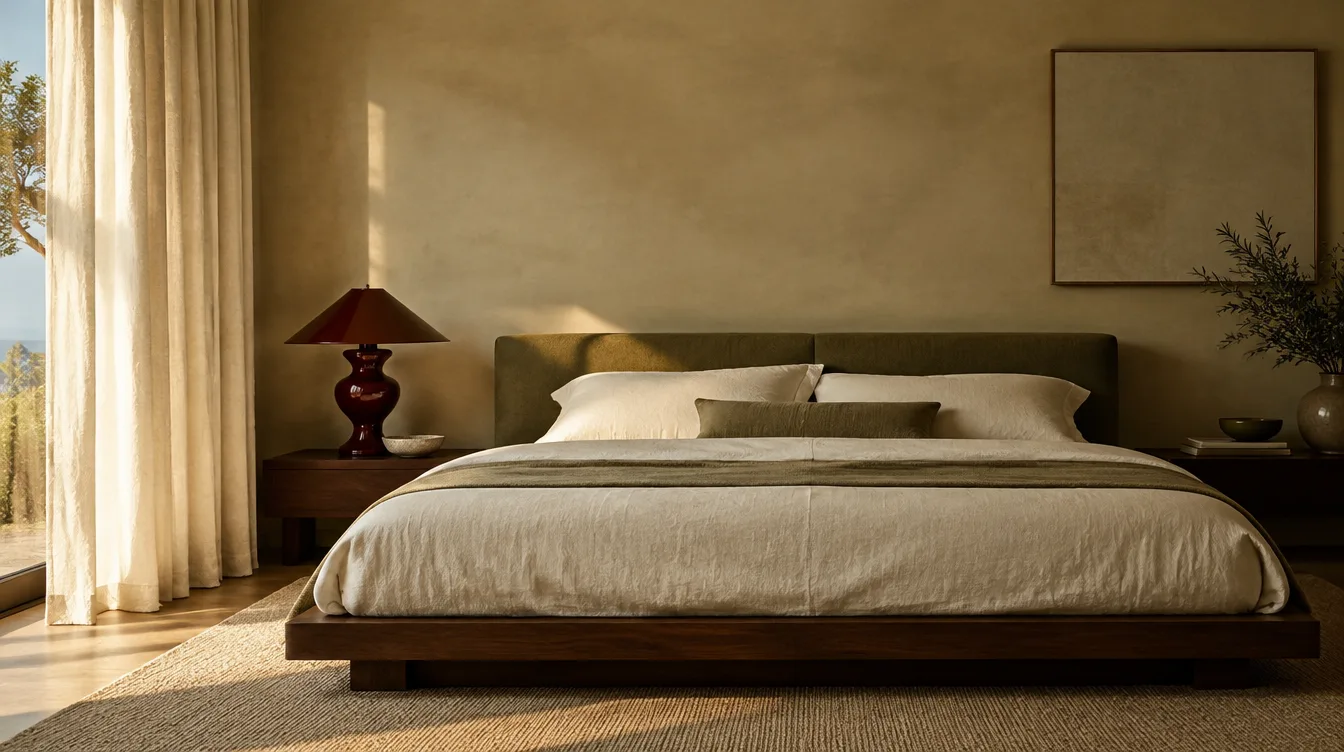
Match the image to the letting brief
An unfurnished rental, furnished apartment and proposed refurbishment need different explanations. Before generating a concept, confirm which furniture and finishes are included, which may change, and what the listing is intended to show.
For an unfurnished property, a concept can suggest a possible arrangement without implying that those items are supplied. For a furnished property, photograph the actual included furniture and use a redesign concept only when discussing proposed changes.
Choose the room that is difficult to understand empty
A combined living and dining room, compact bedroom or awkward work corner can benefit from a clear furniture arrangement. Start with that specific problem. Ask for practical circulation and storage rather than a more impressive-looking property.
Do not infer occupancy, room dimensions or permitted uses from the image. A desk in a generated corner does not establish that it will fit. Measure the actual room and keep the written listing accurate.
Keep review consistent across the portfolio
Use a repeatable checklist for every property, even if different agents prepare the images. Save each original and selected concept under the relevant property project. Keep the listing text and final image approval in your existing team workflow.
Review room boundaries before furniture styling. If an output changes a window, doorway, radiator, ceiling or view, revise or reject it. The model is asked to preserve features but does not guarantee exact preservation.
- Correct property and current source photograph.
- Windows, doors, fixed finishes and views checked against the original.
- Practical furniture scale and access reviewed.
- Included furnishings stated separately from proposed furniture.
- Disclosure and listing-platform requirements checked before publishing.
Prepare exports for the places the team uses
Room & Story can export individual concepts and before-and-after layouts with chosen image dimensions, an agency name or logo, and a disclosure. Select the format for the listing, client presentation or viewing material you are preparing.
Check the exported image at the size tenants will see it. A disclosure that is readable on a large monitor may become too small in a thumbnail. Keep a simple naming convention so the original cannot be confused with a concept when colleagues upload files.
Separate a visual improvement from a leasing result
Track when new images go live and what else changed in the listing. Rent, availability, condition, season and demand all affect enquiries. Do not treat virtual staging as a promise of a quicker lease or higher rent.
For short-term guest accommodation, use design concepts to plan a real refresh and then photograph the finished space. Guests should see the furniture and amenities they will actually receive. The rental-refresh guide explains that workflow in more detail.
See how it works ↗See examples ↗See pricing ↗
Based on our Studio workflow and concept examples, not completed customer projects. Send a question or correction.