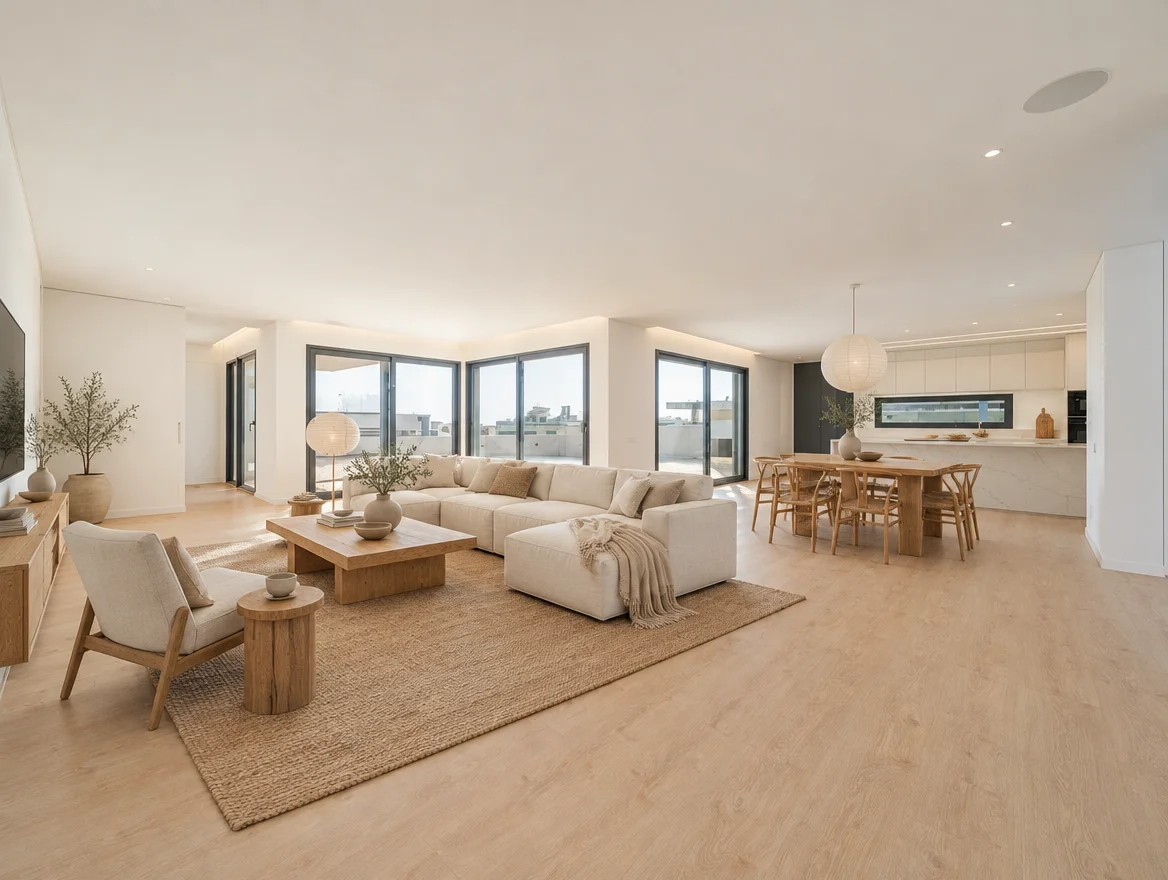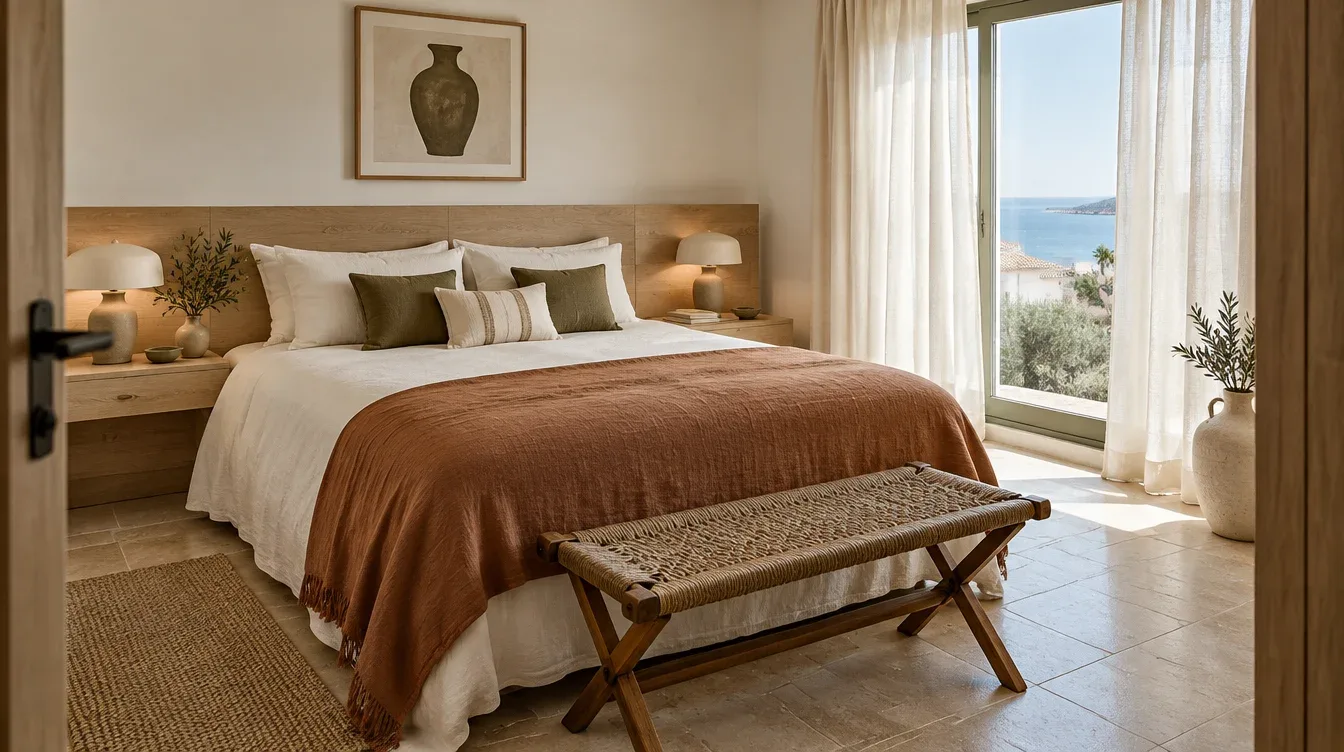
Find furniture from a room photo
Find similar furniture from an image or description. Choose your country and budget, then check sizes, prices and availability with the retailer. Exact matches are not guaranteed.
Translate the picture into one clear request
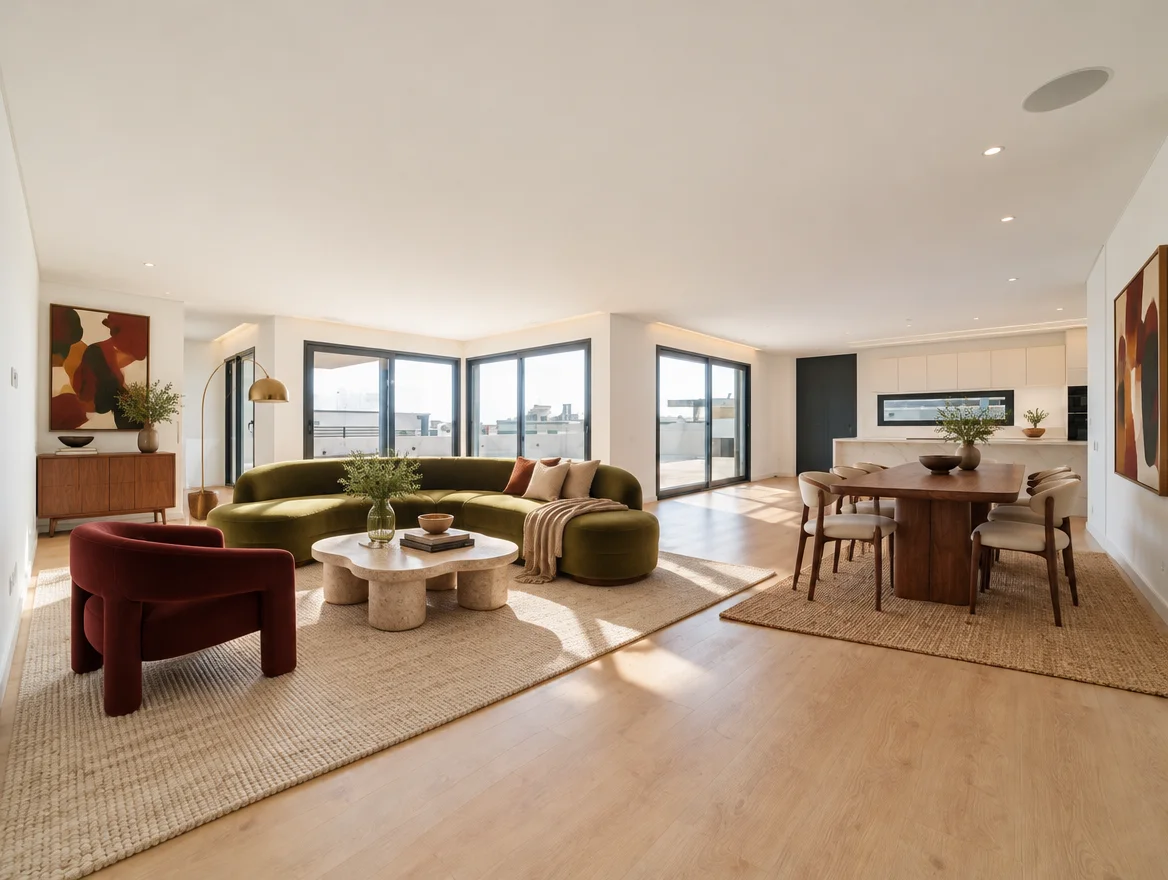
A generated room may contain furniture that does not exist as an exact product. Identify the features you like instead: a low olive sofa, a round timber table, a textured ivory rug. Searching for those attributes gives you a more useful starting point than expecting the image to map to a complete catalogue.
Start with one item if the room contains many objects. A closer image crop can help you focus the search, and a short description can specify which object matters. You can also search with words alone.
Choose the market and budget before searching
Select the country where you will shop. If your country is not listed, the tool offers an Other country option. Availability and delivery vary, so the final retailer check still matters even when the search is focused on a market.
The budget field is a maximum price per item, not a total room budget. With a budget, results without a reported price in your chosen currency are excluded. This can reduce the number of matches; it is not evidence that no suitable product exists.
Read the evidence beside each suggestion
Shop the look shows a retailer link and any available price, dimensions and delivery information. A reported price can change. An item that looks similar may have a different finish, fabric or size from the one you imagined.
Open the retailer’s page before making a decision. Confirm the exact variant, current stock and total delivered cost. If the result has no verified dimensions, do not infer them from the product image.
- Check the selected size, material, colour and product variant.
- Measure the footprint in your room and the delivery route.
- Confirm current price, stock and delivery to your address.
- Read assembly, care and returns information before purchase.
Make a shortlist that preserves the idea
Compare two or three candidates against the role they need to play. A visually similar coffee table is not useful if it prevents the door from opening. A slightly different piece may preserve the room’s feeling while fitting your space and budget.
Keep a simple note for each candidate: dimensions, total cost, lead time and the feature it contributes to the design. Prioritise the pieces that answer the original room problem before buying accessories.
Know what the search includes
Search allowances are separate from rendering credits. The interface displays your available allowance and explains that a completed search uses one allowance, even if it returns no matches. Check the current pricing page for pack and plan details.
Your submitted image and description are processed by the search providers for that request. Shopping images are not saved to your property projects, and retailer links do not include your image. Use an image you have permission to submit and remove private details first.
See how it works ↗See examples ↗See pricing ↗
Based on our Studio workflow and concept examples, not completed customer projects. Send a question or correction.